YOUTUBE TRANSLATOR
YouTube translator
Translate YouTube videos in real time — live streams and Shorts included — with subtitles in 30+ languages. It even translates videos without subtitles of their own.
Free to start · Videos, live streams & Shorts · No credit card required

THE QUICK ANSWER
What is a YouTube translator?
A YouTube translator turns what is said in a video into subtitles in your language. YouTube can auto-translate captions, but only when a video already has captions, the quality follows the auto-generated captions, and it is often unavailable on live streams. MeeLang translates the audio itself, so it can translate videos without subtitles and handle YouTube live stream translation while the stream is still live.
Open any YouTube video, live stream, or Short in Chrome, choose the language you want to read, and MeeLang listens to the video, detects the spoken language automatically, and shows live translated subtitles over the player. The translation and the original text are saved together as a transcript in your browser.
HOW IT WORKS
How to translate YouTube videos in real time
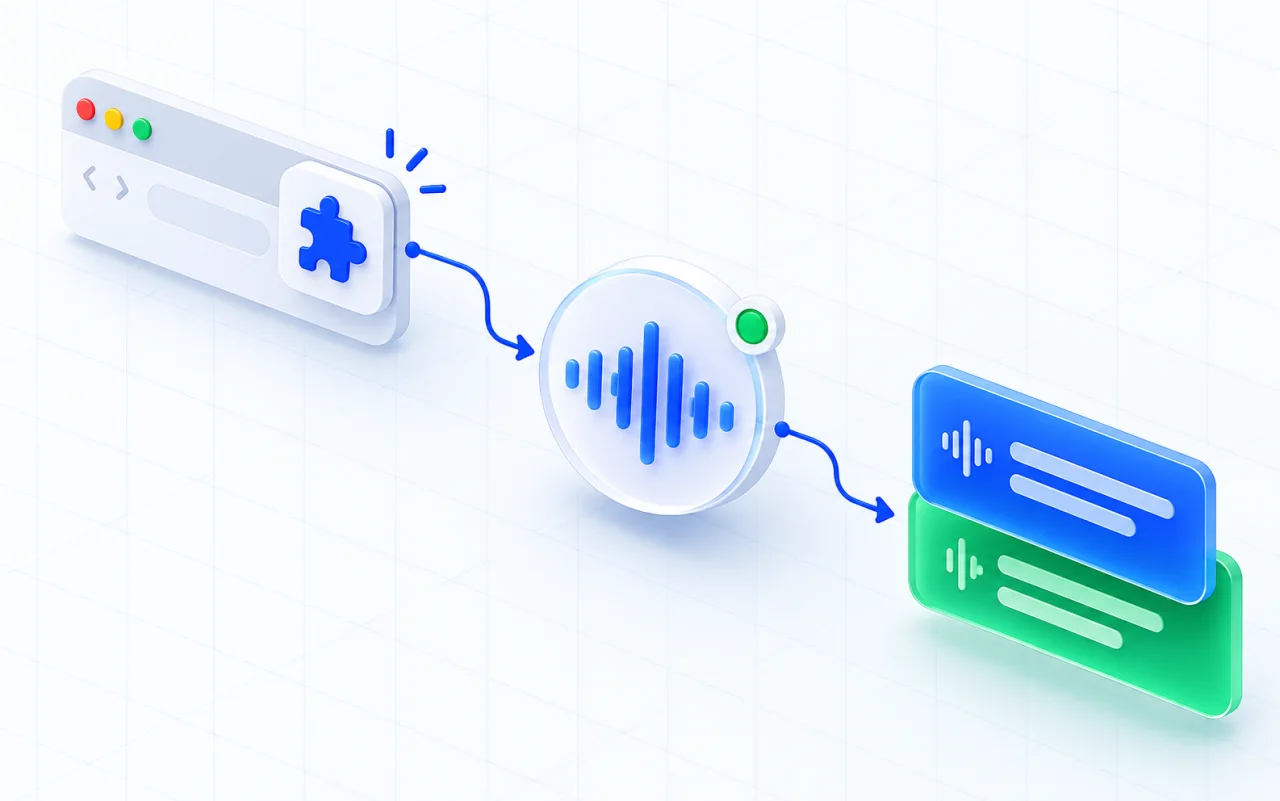
Install MeeLang for Chrome
Add the extension from the Chrome Web Store. You can start without a card or an account.
Open a video or live stream
Play any YouTube video, live stream, premiere, or Short in Chrome. The spoken language is detected automatically.
Choose your subtitle language
Pick the language you want to read. Translated subtitles follow the video, and the bilingual transcript stays in your browser.
WHAT YOU SEE ON THE VIDEO
Follow both languages while the video is still playing
Original speech and its translation stay together, so you can check meaning without pausing or waiting for captions.
오늘 새로운 기능 세 가지를 소개하겠습니다.
ENToday we're introducing three new features.
USE CASES
YouTube live stream translation and more
Use live translated subtitles whenever a video or live stream is in a language you don't speak — including videos with no captions of their own.
Live streams and events
Follow product launches, conferences, sports commentary, and breaking news as they stream — not hours later.
LIVE STREAMSLectures, courses, and tutorials
Learn from university lectures, technical talks, and how-to videos published in a language you don't speak.
LEARNINGPodcasts and interviews
Understand long-form interviews and video podcasts, and keep a searchable transcript in both languages.
PODCASTSForeign-language creators and Shorts
Watch creators from other countries — including Shorts — without waiting for them to add subtitles.
CREATORSCOMPARE YOUR OPTIONS
Translate videos without subtitles: YouTube auto-translate or a Chrome extension?
Both approaches can put a video in your language. The practical difference is whether the video already has captions, and whether you need a live stream.
COMMON QUESTIONS
YouTube translation FAQ
Can YouTube translate videos in real time?
YouTube can auto-translate captions when a video already has them. MeeLang goes further: it translates the audio itself, so you get live subtitles in your language on live streams and on videos that have no captions at all.
How do I translate a YouTube video into English?
Install the MeeLang Chrome extension, open the video in Chrome, and choose English (or any of 30+ languages) as the language you want to read. MeeLang detects the spoken language automatically and shows translated subtitles as the video plays.
How does YouTube live stream translation work?
Open the live stream in Chrome and pick your language. MeeLang translates YouTube live streams and premieres as they happen, so you can follow a launch event, a lecture, or a match while it is still live.
Can I translate videos without subtitles?
Yes. MeeLang listens to the audio, not to a caption track, so it works whether or not the creator added subtitles.
Does MeeLang work with YouTube Shorts?
Yes. MeeLang translates regular videos, live streams, and Shorts on youtube.com in Chrome.
Does it work in the YouTube mobile app?
No. MeeLang is a Chrome extension for desktop, so it works on youtube.com in Chrome on your computer.
Is MeeLang free for YouTube?
Yes, to start. Sign in with Google and you get 30 free translation minutes a month, with no payment details required. The Pro plan includes 600 minutes a month, and your minutes work across every supported meeting platform and YouTube.