ALTERNATIVES / BUILT-IN GOOGLE MEET SPEECH TRANSLATION
A Built-in Google Meet Speech Translation Alternative
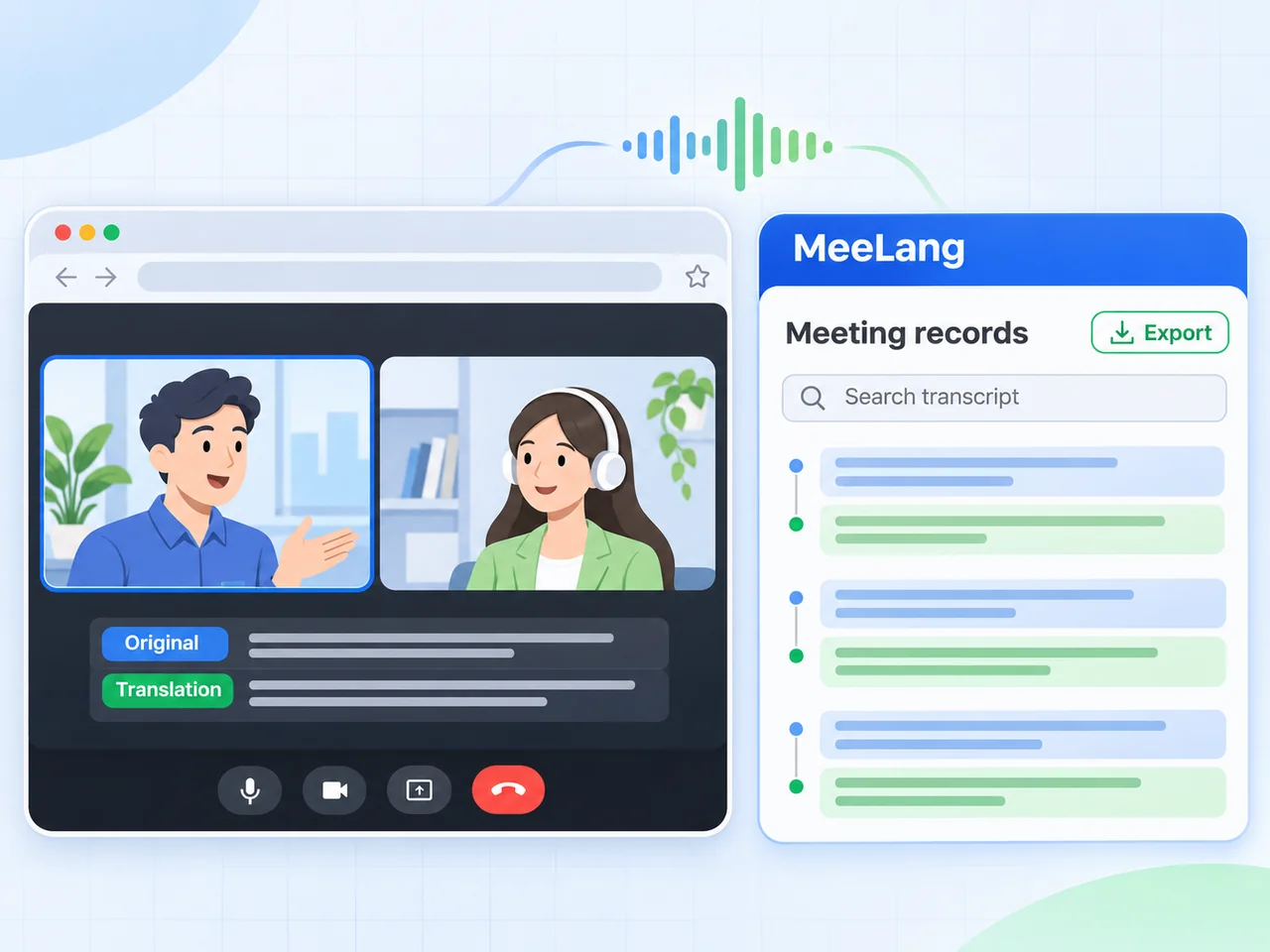
MeeLang is an alternative to built-in Google Meet Speech Translation when you want responsive bilingual subtitles instead of translated audio.
Product comparison · Reviewed November 18, 2026
THE SHORT ANSWER
Stable translated text, or translated speech you hear?
Use MeeLang when you want stable, accurate translated text and a history you can check during the call. Use built-in Google Meet Speech Translation when your priority is hearing the translated voice directly. The outputs solve different needs.
Choose MeeLang for stable, accurate subtitles
MeeLang reads meeting audio in browser, keeps the original wording beside the translation, and leaves a local bilingual transcript you can search, revisit, and export.
Choose Google to listen to the translated voice
Choose it when translated audio is the output you need. But the translated speech arrives later than readable subtitles and depends on a stable network.
Use both in the same workflow
Some users listen to Google's translated speech while keeping MeeLang's bilingual subtitle view available for names, numbers, and details they need to verify.
HOW THE WORKFLOWS DIFFER
From meeting speech to a translation you can use
Both paths start with meeting audio, but they end in different outputs. MeeLang favors readable subtitles and a record you can check; Google Speech Translation produces translated speech.
MeeLang
MEETING AUDIO · BROWSER TAB
- Meeting audio
- Speech recognition
- Bilingual subtitles
MEETING AUDIO · BROWSER TAB
- Bilingual subtitles
- Local bilingual transcript
MeeLang is designed to produce responsive subtitles.
Built-in Google Meet Speech Translation
MEETING AUDIO · GOOGLE MEET
- Meeting audio
- Speech recognition
- Translated speech
Google describes Speech Translation as a beta feature with a 90-minute limit, limited language combinations, and plan-dependent availability. It plays translated speech directly in Meet, which is the right choice when listening is the priority.
SIDE BY SIDE
MeeLang vs Built-in Google Meet Speech Translation
Compare the output, account requirements, latency behavior, and what you keep after the meeting.
| Question | MeeLang | Built-in Google Meet Speech Translation |
|---|---|---|
| Output you experience | Responsive bilingual subtitles in the meeting page, plus a local bilingual transcript. | Translated speech played directly in Google Meet. |
| Latency behavior | Designed for sub-second subtitles on a stable connection, but not a fixed guarantee. | Generated speech added noticeable delay and was sensitive to network stability; Google does not publish a universal latency figure. |
| Translation quality | Context-aware AI is used to make names, numbers, and technical wording readable. Check them in your own call. | Translated speech was less dependable for names, numbers, and technical wording than MeeLang's bilingual subtitles. Quality also varies by language pair, audio, network, and rollout. |
| Network dependency | Uses the browser tab audio and a stable connection to the translation service. | Streaming speech recognition and generated speech both depend on a stable network; weak Wi-Fi or mobile tethering can make the output fall behind. |
| Account and availability | Chrome extension for personal use in browser. No account or card is needed to start. | Google describes a beta feature with limited language combinations, plan eligibility, rollout availability, and a 90-minute limit. |
| Starting price and free tier | Free tier: 30 speech translation minutes and 10 caption-based videos per month. Pro: $9.99 per month with 600 speech translation minutes and 100 caption-based videos. | Availability depends on eligible Google Workspace plans and rollout; check Google's current plans and feature notes before purchasing. |
| What you keep | A searchable bilingual transcript saved in your browser, with TXT export. | Focuses on the live translated speech experience rather than a local bilingual meeting record. |
| Setup | Install the Chrome extension, join a supported browser meeting, and choose the language you want to read. | Turn the feature on inside a supported Google Meet call, when your account and language combination qualify. |
| Best fit | Readers who want responsive subtitles, the original wording, and a local bilingual record. | Listeners who can access the feature and prefer hearing the meeting in another language. |
Google feature names, language combinations, plans, availability, and limits change with rollout. This comparison reflects Google's published documentation reviewed November 18, 2026. MeeLang is an independent Chrome extension, not part of Google Meet.
CHOOSE BY SCENARIO
Where each tool earns its place
A meeting where stable, accurate translation matters most
For client calls, interviews, classes, and technical discussions, choose MeeLang when generated speech feels too delayed or loses names, numbers, and technical wording. Its bilingual subtitles keep the original beside the translation, so you can check meaning while the call continues.
A meeting where you need a reliable record
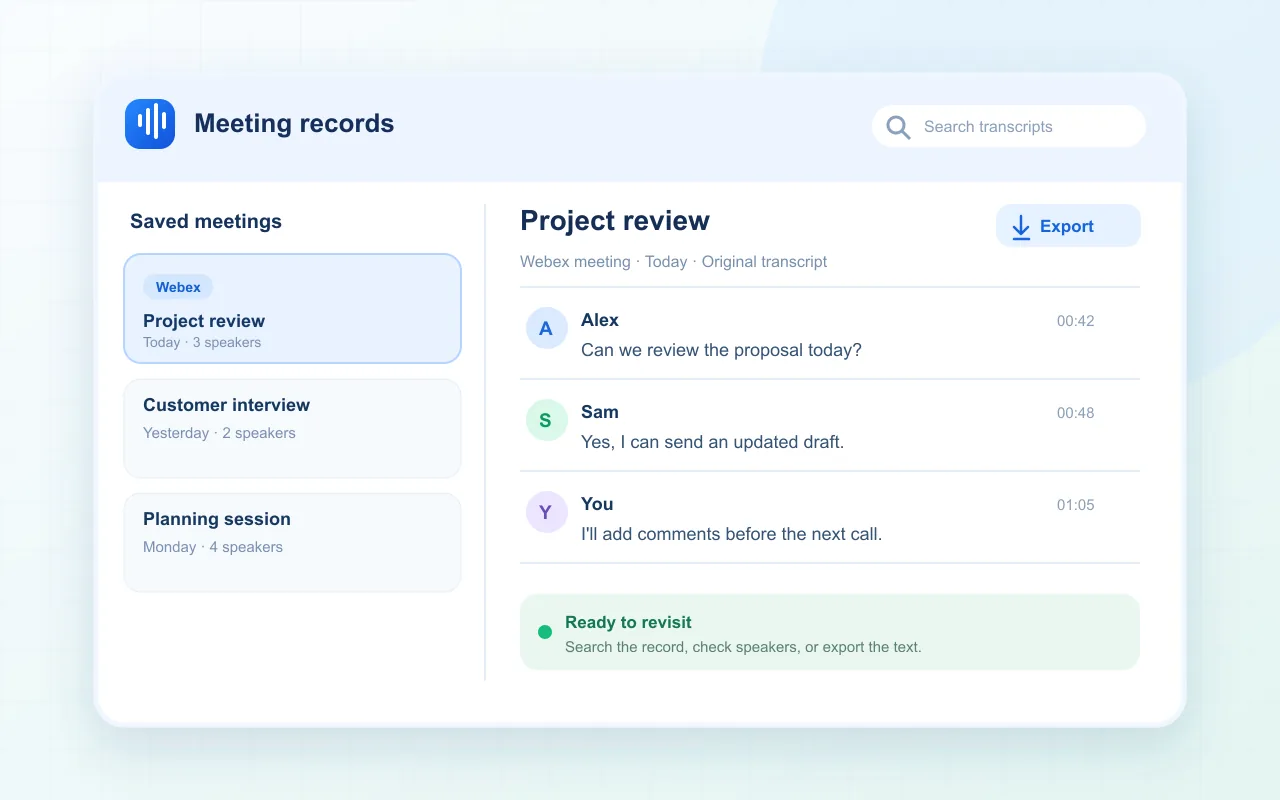
MeeLang's subtitle history becomes a local bilingual transcript. You can scroll back while the meeting continues, search the record afterwards, and export it for notes or handoff.
SEE THE MEETING UI
Two ways to read a MeeLang meeting
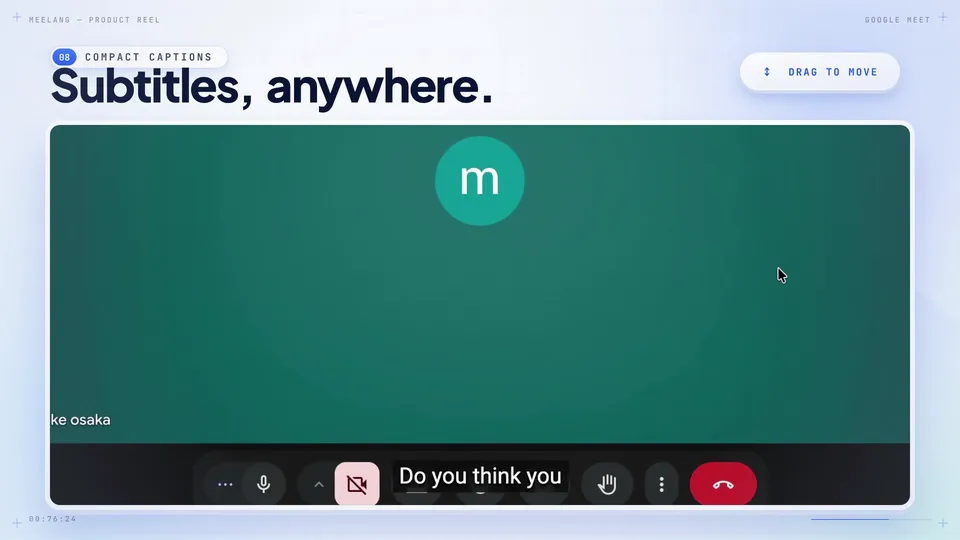
These recordings show MeeLang's compact subtitle view and full conversation view. They do not simulate Google Meet Speech Translation or prove a performance advantage.
TEST IT IN YOUR WORKFLOW
How to judge latency and accuracy
Use the same speech
Pick a short, permitted Google Meet call or recording and use the same source language, target language, speakers, and audio conditions in both tools.
Measure useful output, not marketing
Note when the first usable subtitle or audio arrives, whether it stays stable, and whether names, numbers, and technical terms survive the translation.
Check network conditions
Run the comparison on your normal connection. A feature that feels acceptable on a fast office network may become unusable on hotel Wi-Fi or mobile tethering.
SOURCES & SCOPE
How this comparison was prepared
We checked Google's Speech Translation documentation and plan notes, and MeeLang's current product pages. We also tested their performance on a meeting call with 2 speakers. Google describes Speech Translation as a beta feature with limited language combinations, selected plan access, and a 90-minute limit. We did not find a public universal latency or accuracy benchmark for it.
FAQ
Google Meet Speech Translation alternative FAQ
Is MeeLang an alternative to built-in Google Meet Speech Translation?
Yes, when you want bilingual subtitles rather than translated speech. MeeLang reads Google Meet audio in browser, shows the original line and translation together, and keeps a local bilingual transcript you can check later. If you specifically need translated audio, Google's built-in feature is the closer match.
Is MeeLang faster than Google Meet Speech Translation?
MeeLang is designed for sub-second subtitles on a stable connection. Generated speech can have a longer delay, but latency depends on network, sentence length, audio quality, and language pair.
Is MeeLang more accurate than Google Meet Speech Translation?
MeeLang uses context-aware AI for readable subtitles. In general, MeeLang's translated texts are more accurate than Google's built-in translated speech. But no live translation is perfect. Audio, accents, terminology, and language pair affect both tools.
Does MeeLang work with a personal Google account?
Yes. MeeLang is a Chrome extension, not a Workspace feature. Join Google Meet in browser with your usual account. Google Speech Translation, by contrast, has plan and rollout requirements.
How much does the alternative cost?
MeeLang has a free tier with 30 speech translation minutes and 10 caption-based videos per month. Pro is $9.99 per month with 600 speech translation minutes and 100 caption-based videos. Google Meet Speech Translation availability depends on eligible Google Workspace plans and rollout.
Try responsive bilingual subtitles in Google Meet
If you need readable translated subtitles and a record you can check later, try MeeLang in your next browser meeting and judge the latency and wording in your own call.
Install MeeLang Try the live translation tool