AI LIVE TRANSLATION
AI Live Translation
AI live translation turns speech into translated text while a conversation is still happening. Here is how the pipeline works, what affects latency and accuracy, and where a browser extension fits.
Explainer · Meetings · YouTube
THE QUICK ANSWER
What is AI live translation?
AI live translation is a chain of machine-learning steps that turns spoken language into translated text in near real time. It combines automatic speech recognition, sentence segmentation, machine translation, and a display layer that puts the result on screen while people are still talking.
It is different from translating a document after the fact, and different from a human interpreter. AI live translation is useful for following a meeting, class, or video when you need to understand the conversation as it happens. It is not a guarantee of perfect wording, and it is not a replacement for a professional interpreter in a high-stakes setting.
THE PIPELINE
How AI live translation works
Each stage adds a little delay. The practical quality of a live translator depends on how well all four stages work together.
REAL-TIME IS A TRADE-OFF
What does “real-time” actually mean?
A live translator cannot wait for the whole meeting to finish, so it works in short segments. Waiting for a complete sentence usually produces a better translation, but it also adds delay. Translating smaller chunks feels faster, but the model has less context and may change a phrase it already displayed.
That is why two tools can both call themselves real-time and still feel different. The useful question is not only how fast the first caption appears, but whether the translation stays readable as the speaker continues, whether the original line remains visible, and how the tool handles a correction or an unclear word.
WHAT CHANGES THE RESULT
Four things that affect AI live translation
CHOOSE THE RIGHT TOOL
AI live translation vs a human interpreter vs recorded translation
These options solve different problems. The right choice depends on speed, nuance, and the cost of getting a detail wrong.
| What matters | AI live translation | Human interpreter | Recorded translation |
|---|---|---|---|
| Speed | Near real time, with a short processing delay | Real time, with human turn-taking | After the conversation or recording |
| Nuance | Good for clear, everyday conversation; may flatten tone or idiom | Strongest for tone, intent, and cultural context | Can be edited and reviewed carefully |
| Cost and access | Low cost per meeting; available without booking a person | Higher cost; requires scheduling and availability | Depends on volume and turnaround |
| Best for | Following meetings, classes, webinars, and videos | Negotiations, legal, medical, and other high-stakes talks | Documents, subtitles, and post-meeting review |
| Risk | Recognition and translation errors need checking | Interpretation is still human work, but context is handled directly | The audience cannot follow along live |
For legal, medical, safety-critical, or contractual conversations, use a qualified human interpreter rather than relying on an AI caption alone.
WHERE IT HELPS
Where AI live translation is useful
Multilingual meetings
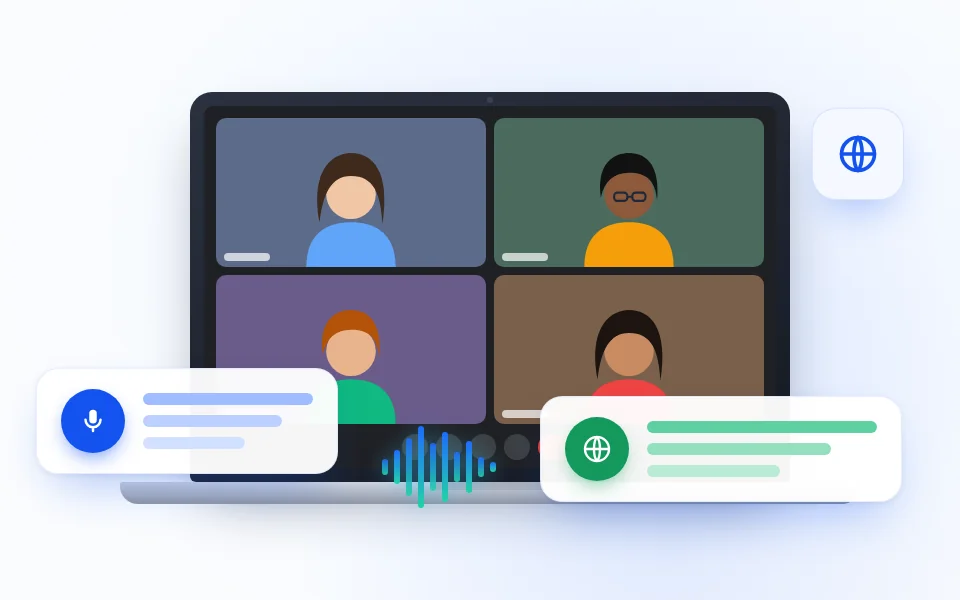
Follow a team discussion when participants speak different languages or when one person needs a different reading language.
MEETINGS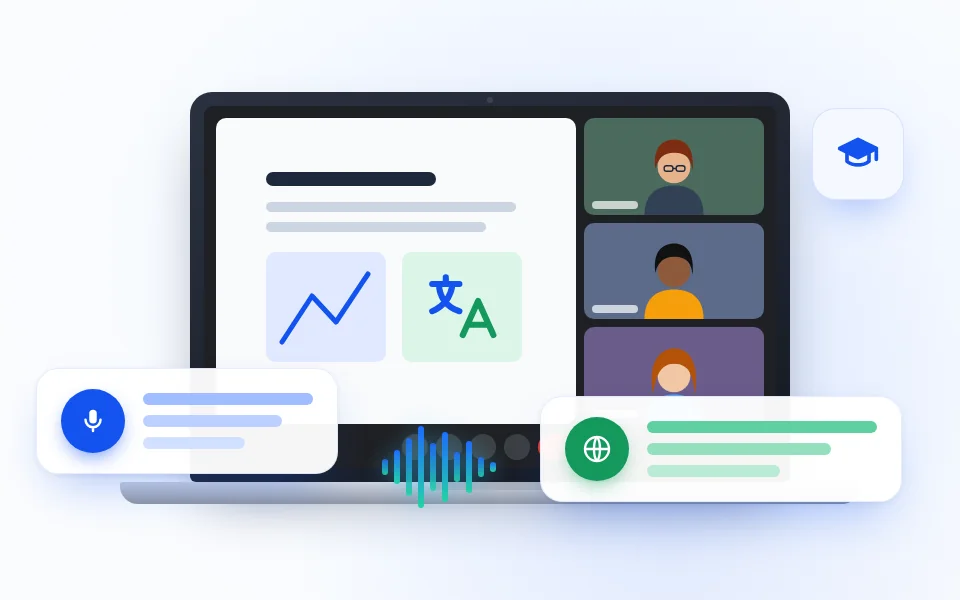
Classes and webinars
Read a lecture, workshop, or training session as the speaker talks, with the original wording available beside the translation.
LEARNING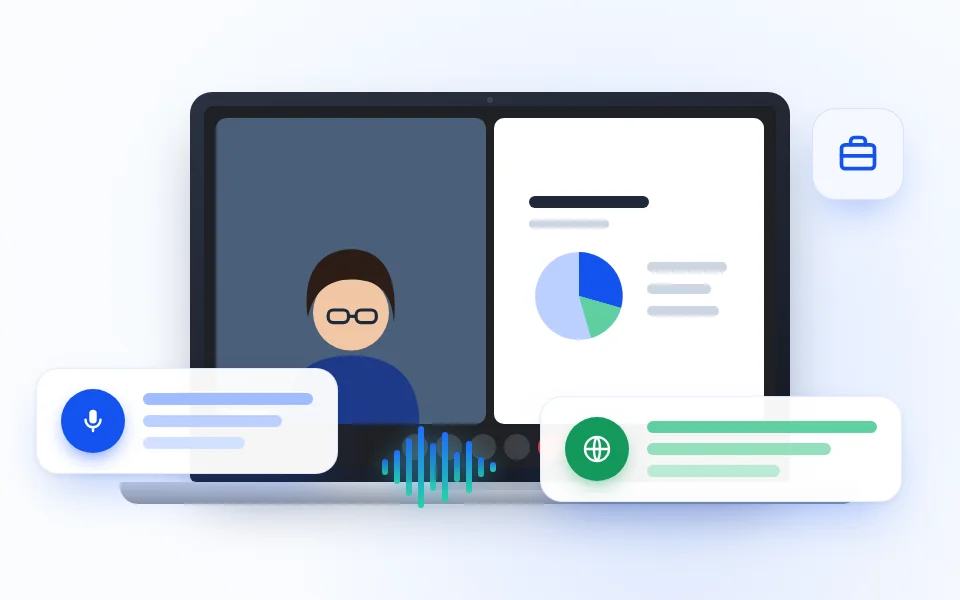
Customer calls
Keep questions, order details, and next steps visible when a customer and a support agent do not share a first language.
SUPPORT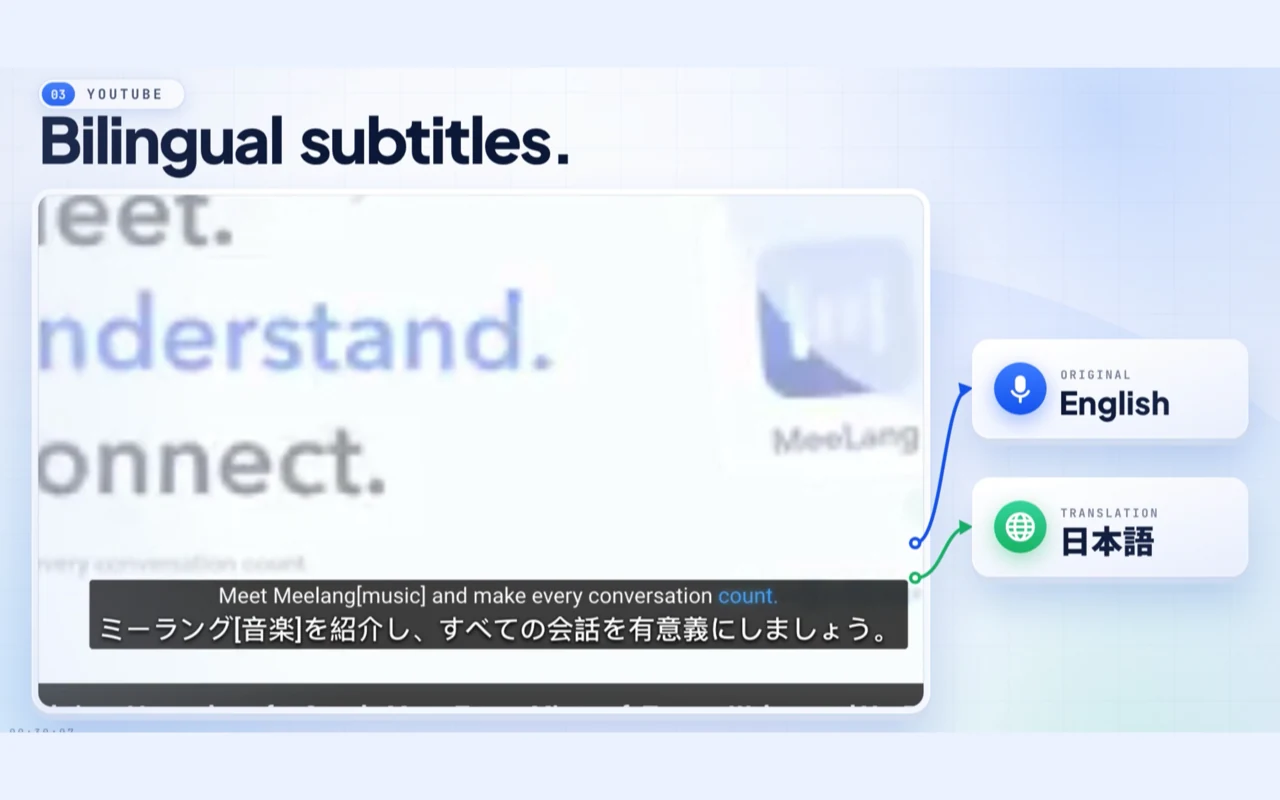
Video and live streams
Follow a YouTube video or live stream in your language when the creator speaks another one.
VIDEOHOW MEELANG APPLIES IT
AI live translation inside a Chrome extension
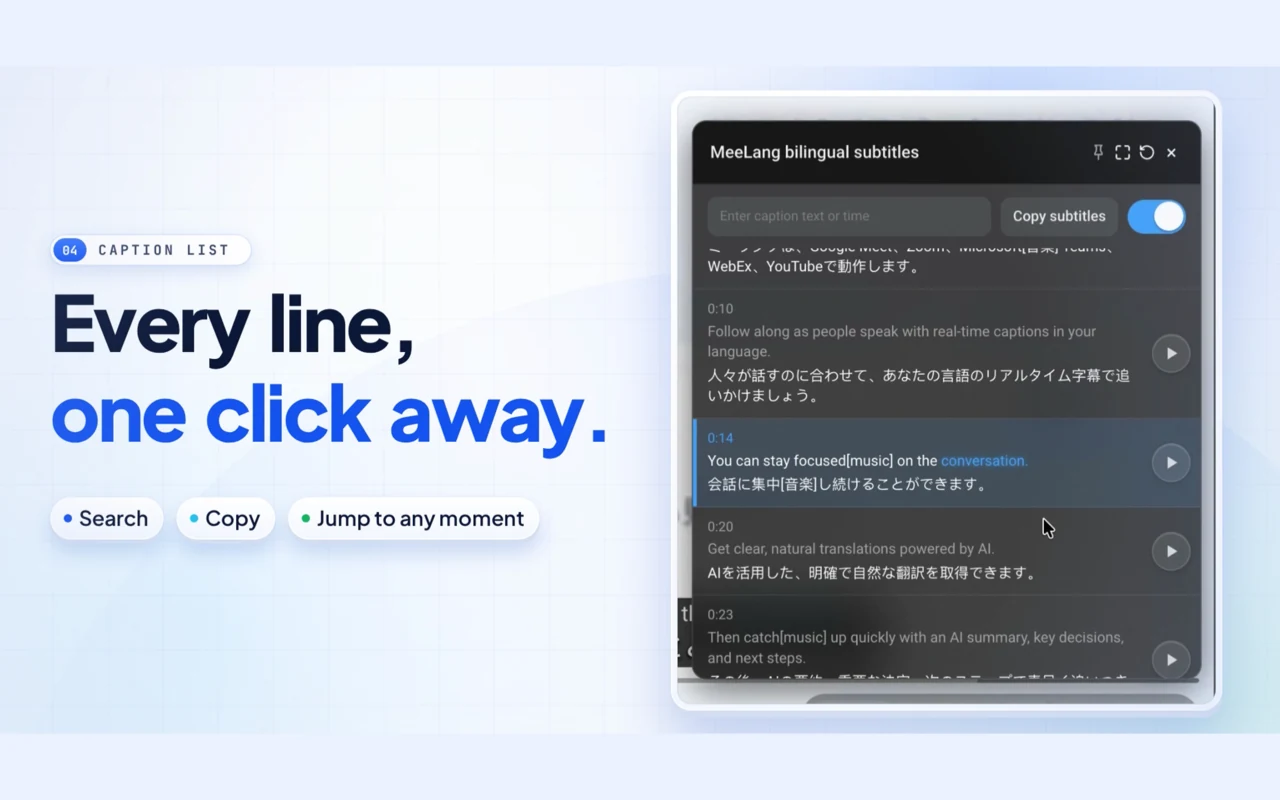
MeeLang runs in desktop Chrome and reads the audio of the meeting or video tab you are already using. It recognizes the speech, translates it into your chosen language, and shows the original line with the translation as a subtitle overlay. A bilingual transcript stays in your browser for review.
It works in Google Meet, the web versions of Zoom, Microsoft Teams, and Webex, and on YouTube. The host does not need to install anything, and no meeting bot joins the call.
EVALUATION CHECKLIST
How to evaluate an AI live translator
FAQ
AI live translation questions
Is AI live translation accurate?
It can be accurate enough to follow a clear conversation, but it is not perfect. Recognition errors, overlapping speech, accents, names, numbers, and specialist terms can all affect the result. Keep the original line visible and confirm important details.
Does AI live translation replace a human interpreter?
No. It is useful for following meetings, classes, and videos, but a qualified human interpreter remains the safer choice for legal, medical, contractual, or other high-stakes conversations.
What is the difference between AI live translation and live captions?
Live captions usually transcribe speech in its original language. AI live translation adds a translation step and shows the result in the language you choose. Some tools show both lines together; others show only the translation.
Does AI live translation store my meeting audio?
That depends on the tool. MeeLang does not keep a recording of the meeting; it processes the tab audio to produce subtitles and stores the bilingual transcript locally in your browser. Check any tool's privacy policy before using it with sensitive content.
Which languages can AI live translation handle?
Coverage varies by tool. MeeLang supports 30+ languages, including English, Spanish, Japanese, Korean, Chinese, French, German, Portuguese, and Vietnamese. The spoken language is detected automatically; you choose the language you want to read.
How much delay should I expect?
A short delay is normal because the tool has to recognize speech, translate it, and render the caption. The exact delay depends on the audio, the language pair, the service, and the network. A tool that promises zero delay is overstating what the pipeline can do.
See AI live translation in a real conversation
Try the browser tool, then add MeeLang to Chrome when you want translated captions inside a meeting or video.
Add to Chrome