WEBEX AI SUMMARY
Webex AI Summary
Turn the conversation into a practical recap. MeeLang can summarize a bilingual transcript into an overview, decisions, and action items you can review after a Webex call. AI Summary is included with Pro.
Works from a MeeLang transcript · Pro feature
THE QUICK ANSWER
What does a Webex AI meeting summary include?
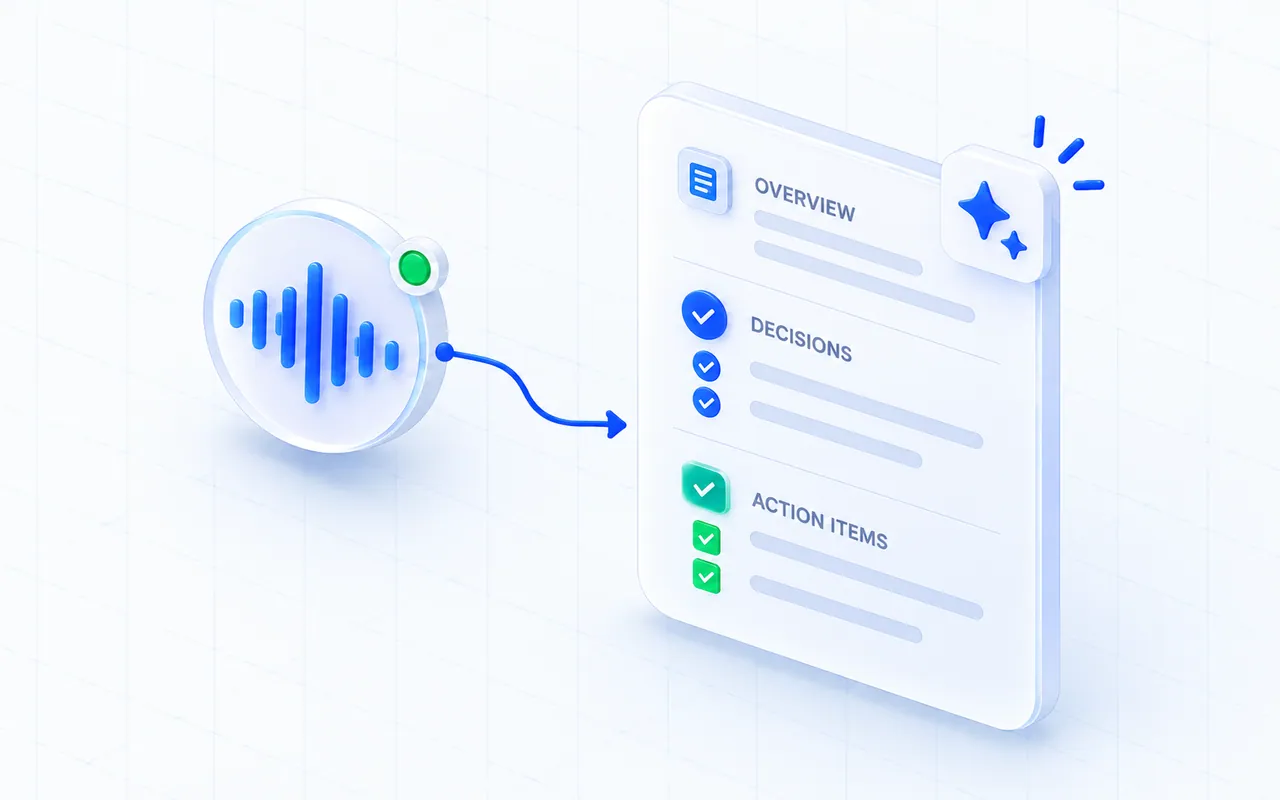
MeeLang's AI Summary turns a meeting transcript into a short overview, decisions, and action items. It is designed to help you scan what happened and identify follow-up work without rereading every line first.
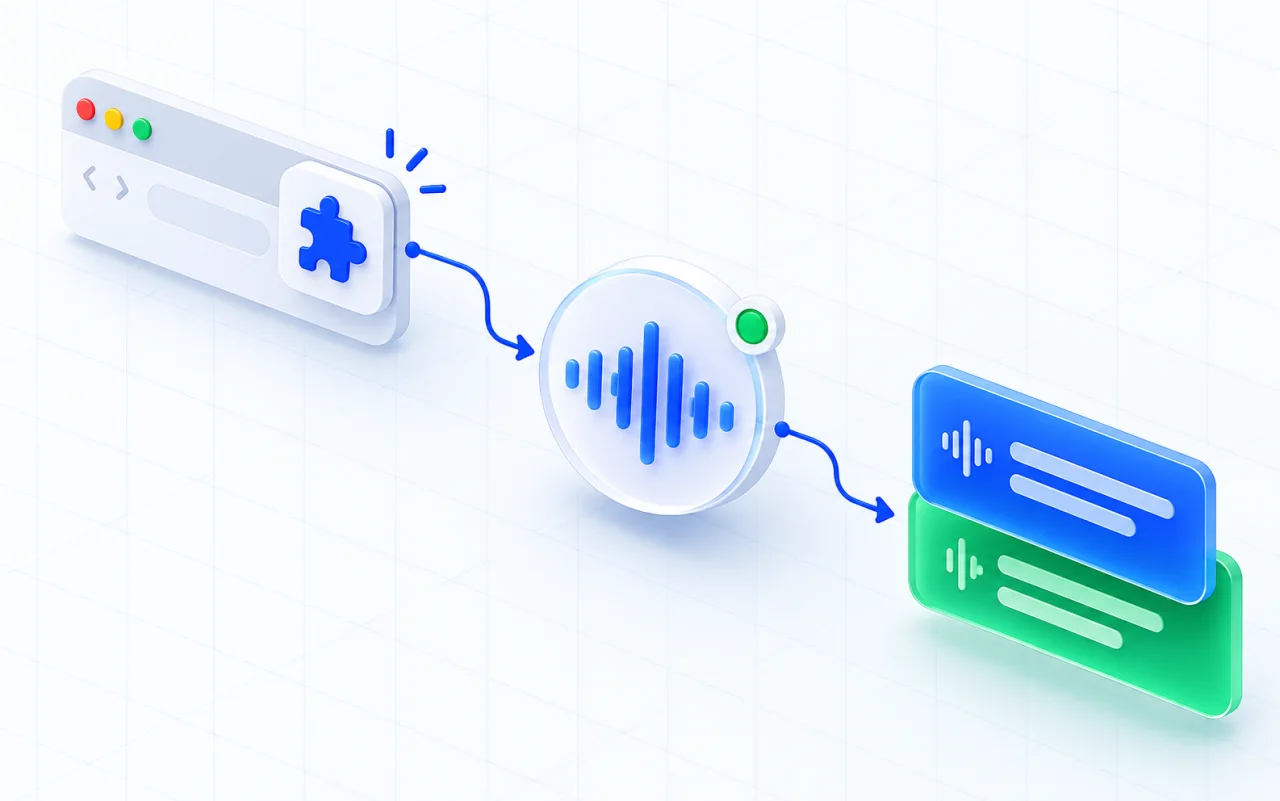
For a Webex call, capture the conversation with MeeLang in the Webex web client in Chrome. After the meeting, open its record and request a summary. Summaries depend on the available transcript, so they cannot include speech MeeLang did not capture. The feature is available with Pro.
HOW IT WORKS
How to generate a Webex AI summary
Join the Webex web client
Run MeeLang in the Webex web client during the meeting.
Open the meeting record
Open the meeting record after the call and review its transcript.
Generate your summary
Generate an AI summary to see the overview, decisions, and actions.
BUILT FOR WEBEX IN CHROME
Use the summary as a starting point
A short recap can help you prepare a handoff, draft a follow-up message, or find decisions that deserve a closer look. Return to the bilingual transcript to check context, speaker wording, and details before assigning work.
AI can miss nuance or misunderstand names, figures, and overlapping speech. Review the summary before sharing or treating it as an official record. For summary generation, the transcript is sent to the service and is not retained there. Use the feature in line with your organization’s privacy and consent requirements.
AFTER THE WEBEX CALL
Turn a captured transcript into next steps
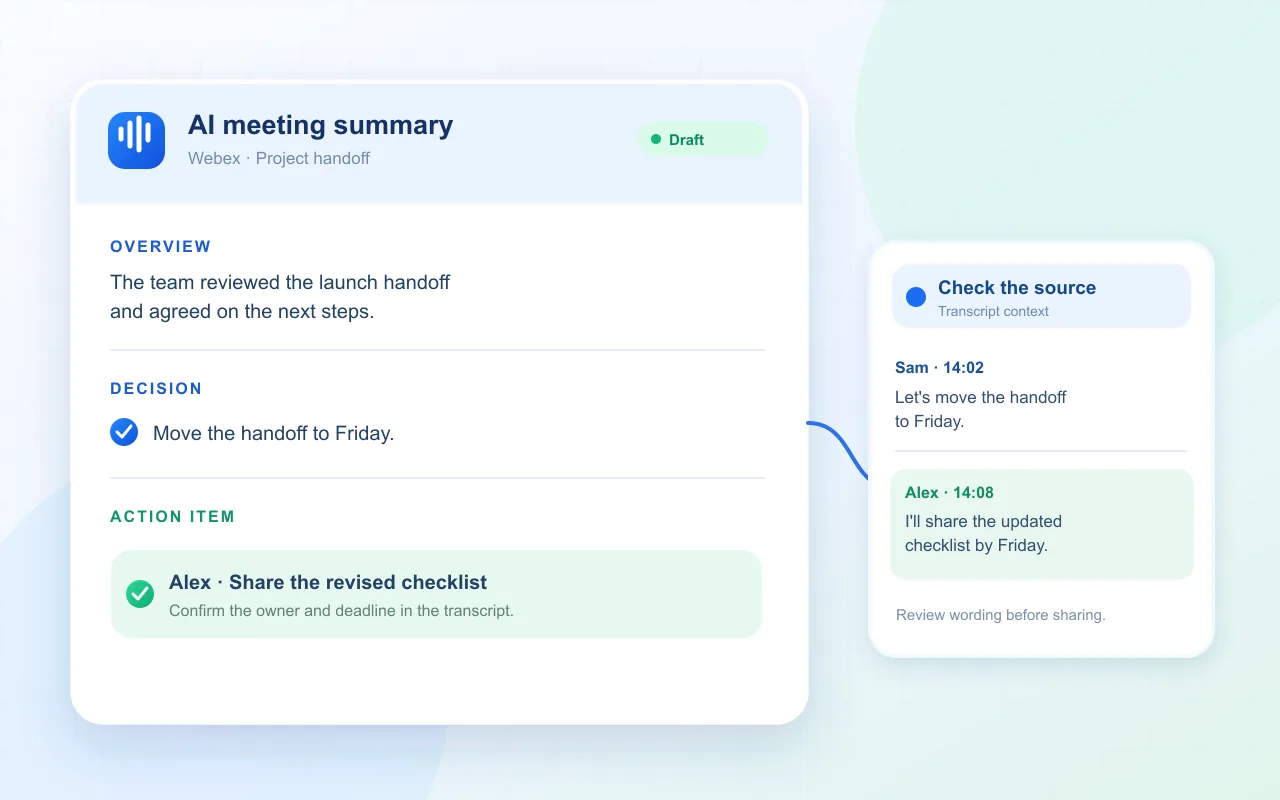
MeeLang’s summary is requested after the meeting, not automatically generated as a Webex recording. It needs a transcript captured by MeeLang and a signed-in account with the Pro summary entitlement.
USE CASES
Where a Webex AI summary saves follow-up time
Start with the generated recap to find the main outcome, then use the bilingual transcript when a decision or commitment needs exact context.

Send a weekly team recap
Use the overview and decisions to draft a short update, then check the transcript before quoting a commitment from the Webex call.
TEAM UPDATES
Prepare a client follow-up
Review the action list for dates and next steps after a multilingual discussion. Confirm the owner yourself when the transcript does not make it clear.
CLIENT FOLLOW-UP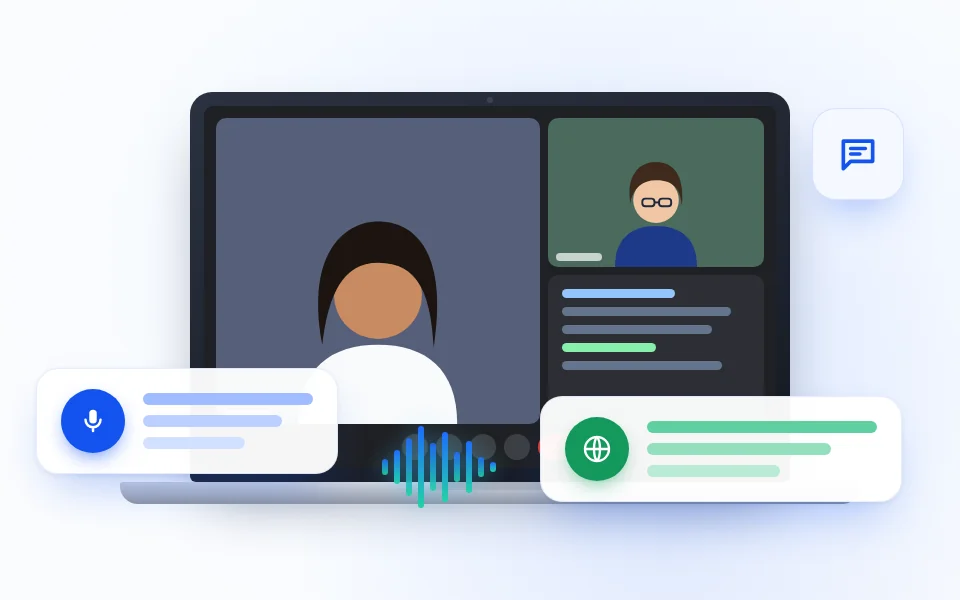
Share a structured interview debrief
Capture the main themes after the interview, then open the bilingual transcript when the hiring decision depends on the candidate’s exact words.
INTERVIEW DEBRIEF
Capture a class or workshop recap
Summarize the main explanations and action points after a multilingual lesson, training session, or team workshop.
LEARNING RECAPSUMMARY OR TRANSCRIPT?
Use the summary to scan and the transcript to verify
The summary is a navigation aid for the meeting record. Use the speaker labels and transcript to check context, then confirm action owners with the people involved.
| Your need | Practical choice |
|---|---|
| Need a quick recap | Read the overview and decisions generated from the captured transcript. |
| Need exact wording or who said it | Open the bilingual transcript and review the source lines and speaker context. |
| Need to distribute a formal record | Check every decision and owner, then follow your organization’s approved retention and sharing process. |
COMMON QUESTIONS
Webex AI Summary FAQ
Does MeeLang summarize a Webex meeting automatically?
You can request an AI Summary from a meeting record after capture. The summary is based on the transcript that MeeLang has for that meeting.
What does the Webex meeting summary contain?
MeeLang formats a concise overview, decisions, and action items from the transcript. Review it against the transcript before sharing.
Is Webex AI Summary available on the free plan?
AI Summary is included with MeeLang Pro. Plan details are on the pricing page.
Can the summary recover a meeting I did not capture?
No. MeeLang can summarize only the transcript it captured. Starting it after a call cannot recreate the conversation.
There is no meeting to summarize
Confirm MeeLang was running during the Webex call and look in the same browser profile used for capture. If you started after the meeting ended, the missing discussion cannot be recovered by generating a summary.
The summary action asks me to upgrade or sign in
Summary generation requires a signed-in account with the eligible Pro entitlement. Follow the sign-in or plan prompt shown in MeeLang; translation access alone does not guarantee summary access.
An action item has no owner or misses context
The summary may omit an owner when the transcript does not make one clear. Check the speaker labels and source lines, then confirm the owner before assigning work or sending follow-up notes.
Leave the Webex call with clear next steps
Capture a transcript, then use AI Summary to organize the follow-up.
Add to Chrome