GOOGLE MEET SPEECH TRANSLATION
Google Meet Speech Translation
Turn speech in a live Google Meet call into real-time bilingual subtitles in Chrome. MeeLang shows the original words and your translation together, so you can follow the conversation without asking the host to change the meeting.
Chrome extension · Desktop web · No meeting bot

THE QUICK ANSWER
What is speech translation in Google Meet?
Speech translation means turning what someone says in a meeting into another language while the conversation is still happening. In Google Meet, that can mean translated captions, translated audio, or a third-party tool that reads the meeting audio and displays its own subtitles.
MeeLang is a Chrome extension for desktop Meet calls. It listens to the meeting tab, recognizes the spoken language, and shows the original line with a translation in the language you choose. It works with a personal Google account, does not join as a meeting bot, and keeps a bilingual transcript in your browser.
KNOW WHICH FEATURE YOU NEED
Speech translation, captions, and subtitles are not the same thing
Google Meet offers more than one way to follow a multilingual conversation. The right option depends on whether you need a transcript, translated text, or translated audio.
| What you get | Google Meet live captions | Google Meet translated captions | Google Speech Translation | MeeLang |
|---|---|---|---|---|
| Output | Live text of the spoken language | Translated captions in the meeting | Translated speech, with availability still rolling out | Original text and translated subtitles together |
| Translation | No | Yes, on eligible accounts | Yes, in supported languages and plans | Yes, into 30+ languages |
| Account | Available to Google Meet users | Depends on Workspace edition and plan | Limited beta and paid-plan access | Works with personal Google accounts |
| Where it runs | Inside Google Meet | Inside Google Meet | Inside Google Meet | In Chrome, as an extension |
| Original wording | Shown in the source language | Replaced by the translated caption | Heard as translated audio | Kept beside the translation |
Google Meet feature names and availability vary by account, region, and rollout. Check Google's current documentation before relying on a built-in option. MeeLang is an independent Chrome extension, not a Google Meet feature.
HOW TO USE IT
Turn on speech translation in Google Meet
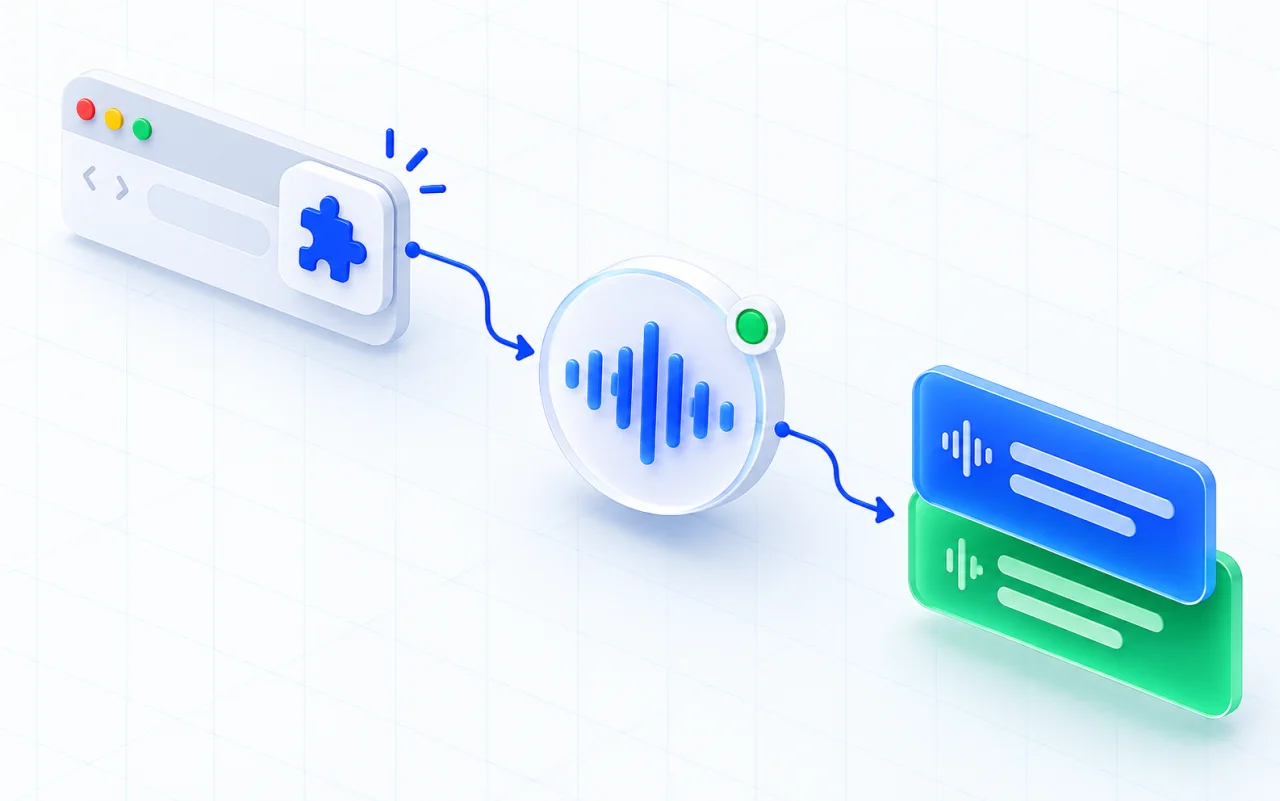
Install MeeLang in Chrome
Add the extension from the Chrome Web Store and keep it enabled for meet.google.com. The host does not need to install anything or change the meeting.
Join through a Meet link in Chrome
Open the Google Meet link in desktop Chrome and join from your browser. MeeLang runs on the web meeting, not inside the Google Meet mobile or desktop app.
Choose the language you read
Start MeeLang when the conversation begins, choose your reading language, and follow the original speech with its translation in the subtitle overlay.
LANGUAGES
Translate Google Meet speech into the language you read
MeeLang supports 30+ languages, including English, Spanish, Japanese, Korean, Chinese, French, German, Portuguese, and Vietnamese. The spoken language is detected automatically; you choose the language you want to read.
Try a direction in the free live translation tool, or start with a Google Meet pair such as English to Spanish, English to Japanese, or English to Chinese.
WHERE IT HELPS
Speech translation for the meetings you actually join
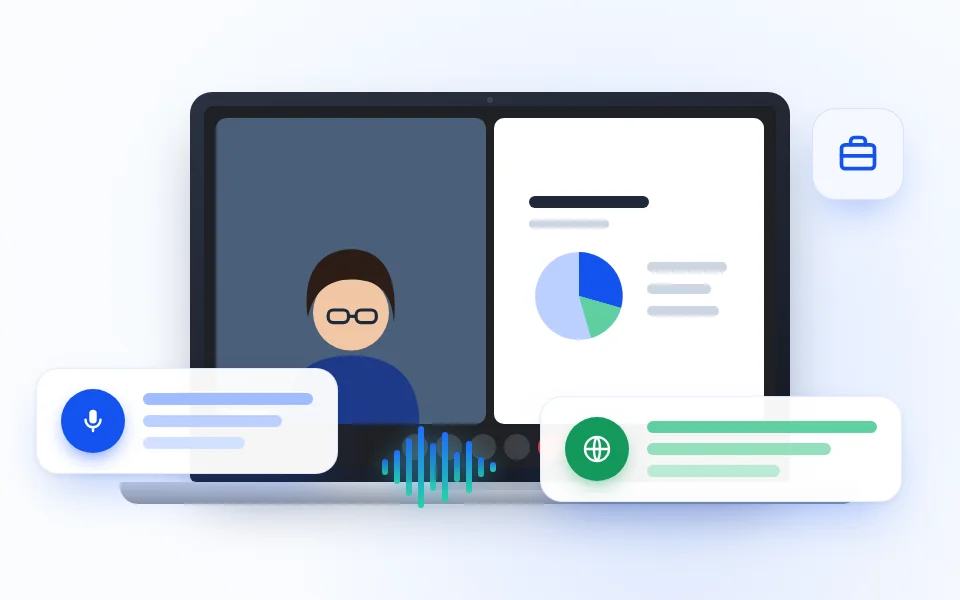
Client and sales calls
Follow a customer's question in the original language and read the translation beside it, so names, numbers, and next steps stay visible.
CLIENT CALLS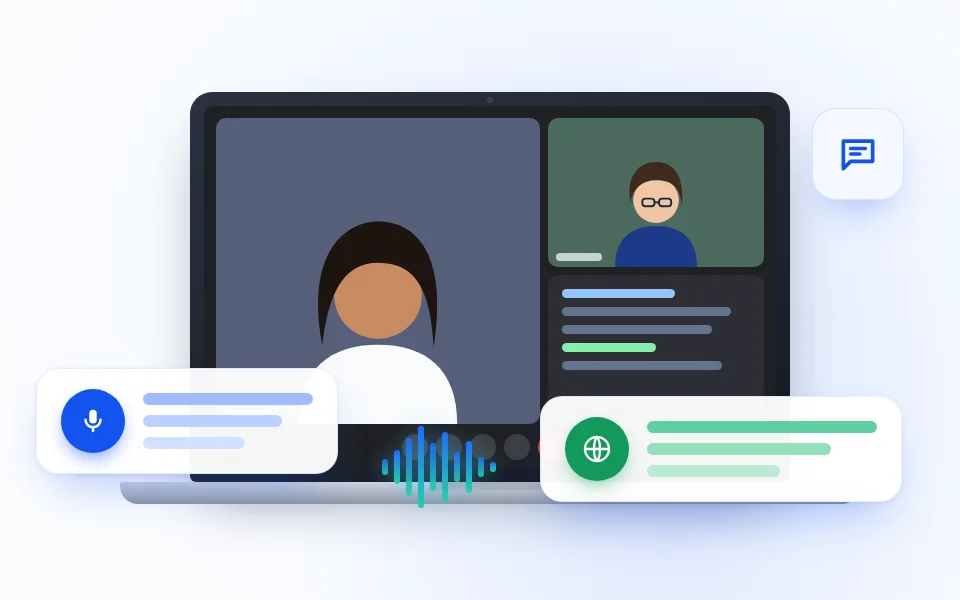
Interviews
Read each answer in your language while keeping the candidate's original wording available for a more careful review.
INTERVIEWS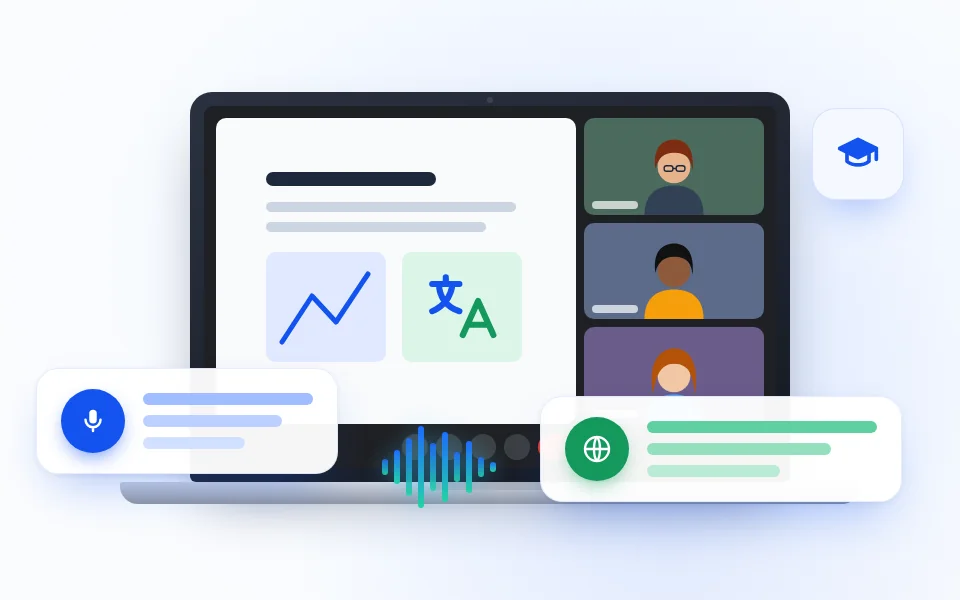
Online classes
Follow a lesson or training session as the instructor speaks, with the source line and translation appearing together.
CLASSES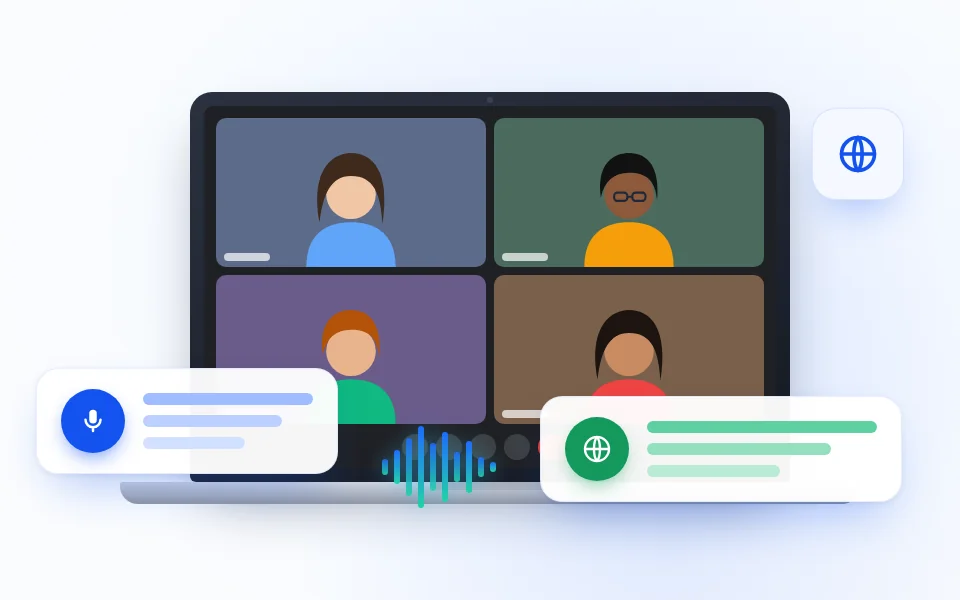
Multilingual teams
Keep a team discussion readable when people switch languages or when one participant needs a different reading language.
TEAM MEETINGSWHAT TO EXPECT
Real-time translation, with real limits
FAQ
Google Meet speech translation questions
Is Google Meet speech translation free?
MeeLang has a free tier with a monthly translation allowance, and a Pro plan for more minutes and AI meeting summaries. Google's own translated captions and Speech Translation depend on the account's plan and rollout, so check Google's current documentation for those features.
Does MeeLang work with a personal Google account?
Yes. MeeLang is a Chrome extension, not a Workspace add-on. Join the Meet call in desktop Chrome with the account you normally use; the host does not need a paid Workspace plan for you to use the extension.
Is this the same as Google's native Speech Translation?
No. Google's Speech Translation is a Google Meet feature that translates speech, with availability limited by plan and rollout. MeeLang is an independent Chrome extension that shows the original speech and translated text as subtitles. It does not produce translated audio.
Does it work in the Google Meet app?
MeeLang works in Google Meet on the web in desktop Chrome. It does not run inside the Google Meet mobile app or the desktop app. Open the meeting link in Chrome and join from the browser.
Can it translate English into Spanish or Japanese?
Yes. MeeLang supports 30+ target languages, including Spanish and Japanese. You can try a direction in the live translation tool or choose a Google Meet language pair page for the combination you need.
Does MeeLang store my meeting audio?
MeeLang captures the meeting tab's audio to produce subtitles, but it does not keep a recording of the meeting. The bilingual transcript is stored locally in your browser. See the privacy policy for the current data-handling details.
Follow the conversation, not the captions settings
Add MeeLang to Chrome and read Google Meet speech in your language, with the original words still beside it.
Add to Chrome