YOUTUBE LIVE CAPTIONS
YouTube Live Captions
Read along with a YouTube video in the language you choose. MeeLang can translate an available caption track in sync with playback or recognize the playing audio through live voice translation, while keeping the original line close at hand.
Works on youtube.com in desktop Chrome
THE QUICK ANSWER
How to get live captions on YouTube
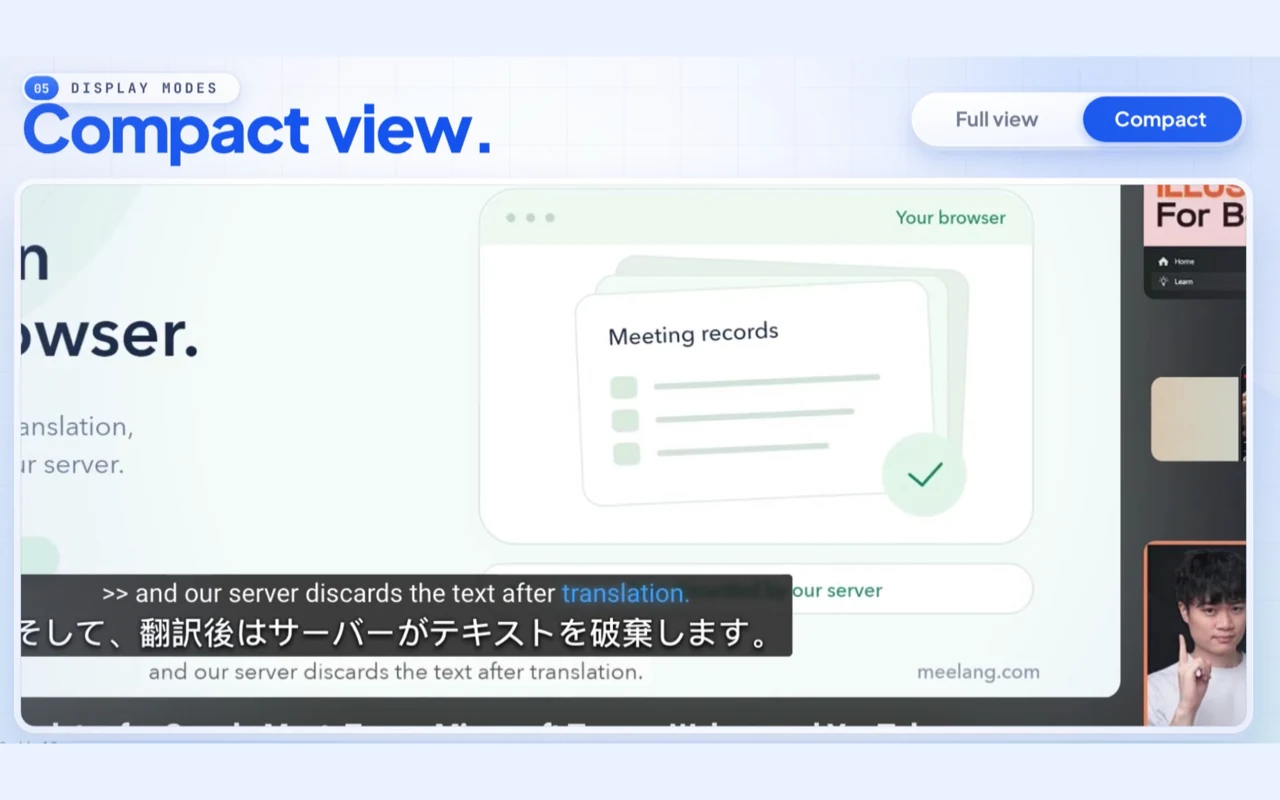
Open a YouTube video in desktop Chrome and choose the language you want to read in MeeLang. If the video has a usable caption track, MeeLang follows its timed lines and translates them as the playhead moves. If it does not, live voice translation recognizes speech from the player audio as you watch.
Both routes give you readable subtitles in your own browser, with the source wording and translation together when you want them. Use the compact view to stay focused on the video or open the full subtitle view to revisit recent lines. For a caption track, you can also search the available timeline and jump to a line.
HOW IT WORKS
How to turn on live captions for a YouTube video
Play the video
Open youtube.com in Chrome on desktop and start the video you want to follow.
Open MeeLang
Use the MeeLang control in the player and choose the language you want to read.
Follow the captions
MeeLang uses available captions or live voice translation for audio, then displays the original and translated text in the player.
SEE THE TWO CAPTION SOURCES
Follow video captions or spoken audio
The right source depends on the video. These product demos show the two routes inside MeeLang: a timed YouTube caption track and live voice recognition from player audio. Your reading language and subtitle view can stay the same while the source changes.
PICK A CAPTION SOURCE
Captions for a video with or without subtitles
The right mode depends on the video, not just the language you want to read. Use its caption track when one is available; use live voice translation when YouTube has no usable captions.
USE CASES
Live captions for the videos you already watch
A second language is less disruptive when the current line stays close to the picture. MeeLang helps you keep the player moving while you check meaning in context.

Follow a lesson at normal speed
Keep the lecture playing and read each translated line as the instructor explains a concept. Switch to the full view when you need to revisit a term from a few moments ago.
Stay with a fast interview
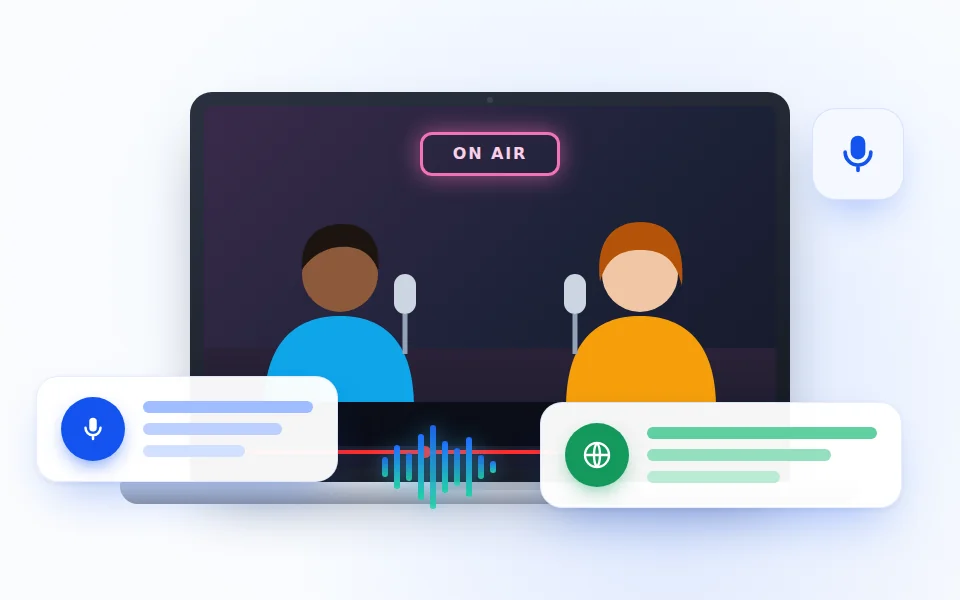
Read the source and translation together when speakers use names, slang, or quick back-and-forth. The original line helps you check a word that sounds important.
Listen and compare phrasing
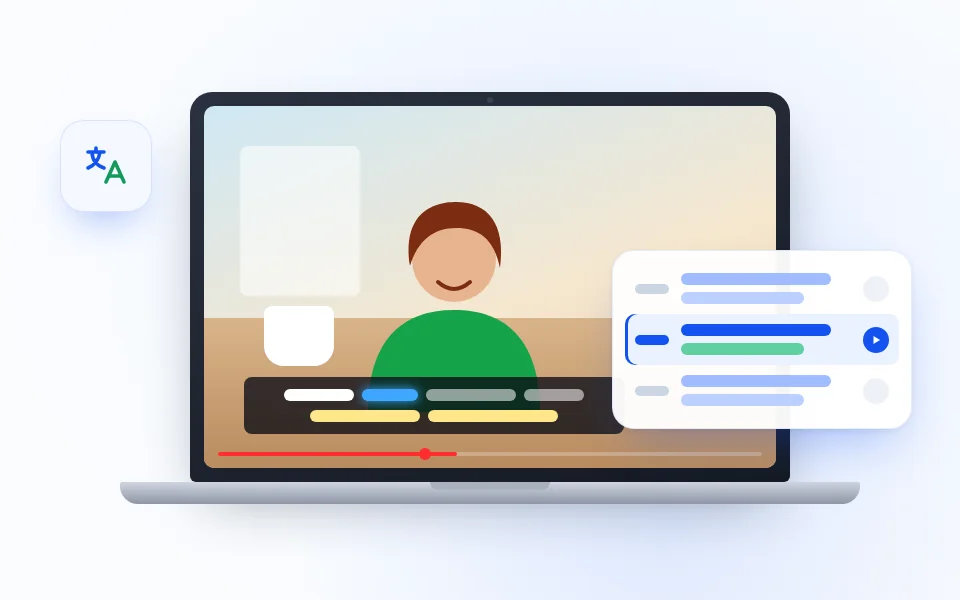
Use the compact subtitles for a first watch, then open the caption list on a video with a track to replay a sentence and compare what you heard with the translation.
Follow a live keynote
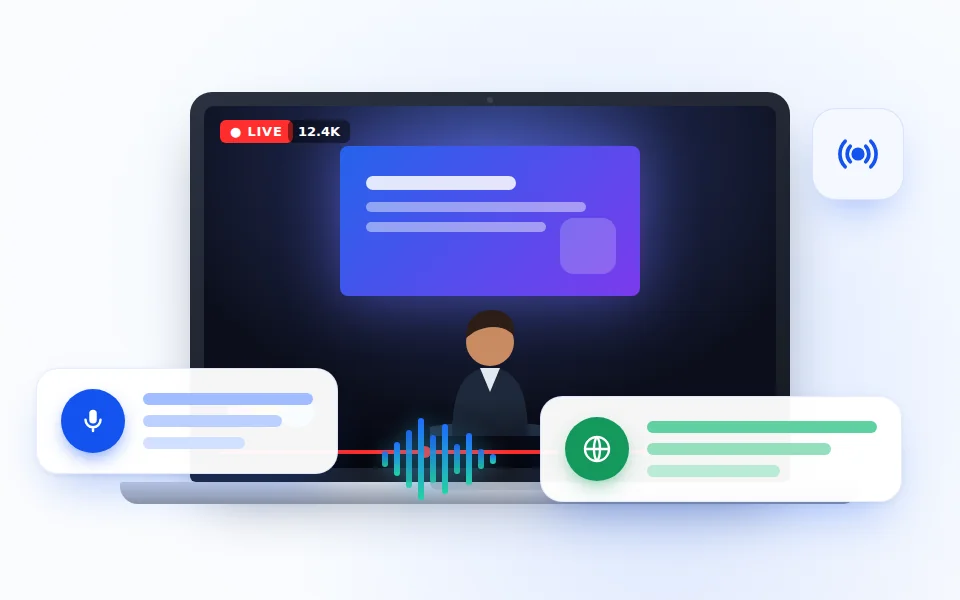
Keep a translated line near the player during a product keynote or breaking-news video. Stay with the announcement as it happens, and read the original line when a name, number, or product term needs a second look.
LIVE CAPTIONS · YOUTUBE
Keep the picture and the words together
MeeLang’s overlay belongs to your browser, so you can choose a readable subtitle layout without changing the video for anyone else. The compact view stays near the playback; the full view gives more room for earlier lines and context.
If a caption track exists, search and revisit a timestamp from its available timeline. If MeeLang is listening to audio, follow new speech from the active voice session. The source changes, but the goal is the same: keep understanding without constantly pausing.
Explore YouTube translationCOMMON QUESTIONS
YouTube Live Captions FAQ
Can I get captions on a YouTube video without subtitles?
If the video has no usable caption track, MeeLang can use live voice translation to recognize its audio and display text as it plays.
Are the captions live or pre-generated?
With a caption track, MeeLang loads the available timed text across the video. Without a usable track, live voice translation recognizes speech from the playing audio after you start it.
Can I show the original and translation together?
Yes. MeeLang can display bilingual subtitles with the source line and translation together in the player.
Does MeeLang work on YouTube mobile?
No. The extension works on youtube.com in Chrome on desktop, not in the YouTube mobile app.
Does MeeLang work with YouTube Shorts?
Yes. MeeLang can be used in the YouTube Shorts player in desktop Chrome. Available caption sources and modes still depend on the video.
Why are the captions delayed?
Caption-track timing follows the video. Live voice translation first recognizes speech and then translates it, so a short delay is normal and may grow with noisy or overlapping audio.
Can I switch between compact and full YouTube captions?
Yes. Use the compact subtitles to keep the video in view, or open the full subtitle window when you want more room to read earlier lines and their translations.
Do MeeLang captions change what other viewers see?
No. MeeLang adds a subtitle view in your own browser. It does not change the creator’s video or the caption language chosen by anyone else.
YouTube does not offer a caption track
Some videos have no captions, and auto-generated captions may take time to appear. Use MeeLang’s live voice translation mode if you want recognized text from the audio instead.
The translated captions stop after seeking
For caption-track mode, give the player a moment to load the selected track after seeking. If lines remain blank, reopen MeeLang's caption view or select another available track from YouTube's CC menu. Live voice mode follows audio from the current moment and does not backfill skipped speech.
Live voice translation is blank
Confirm the video is playing with audible sound and MeeLang is enabled for youtube.com. Check the extension’s audio access if Chrome asks for permission, then restart the voice session. Voice translation uses your available live-translation allowance.
Follow the next YouTube video as it plays
Use an available caption track or live voice translation to read along in desktop Chrome.
Add to Chrome