GOOGLE MEET LIVE CAPTIONS
Google Meet Live Captions
Follow the conversation as people speak. MeeLang listens to Google Meet audio in Chrome and displays the original line with its translation, so you can keep reading without asking the host to change the meeting setup.
Personal captions · Compact or full view · 30+ translation languages
THE QUICK ANSWER
Read the meaning while the meeting is happening
Google Meet captions show recognized speech in the language being spoken. MeeLang adds a translated line for you and keeps it paired with the source, helping you follow a fast discussion, ask a timely question, or check a term before the topic moves on.
Meet's built-in captions can stay off: MeeLang listens to the call audio directly. The overlay is private to your browser, and other participants do not need to install anything. Start MeeLang when you join; it cannot caption speech from before it was running.
HOW IT WORKS
How to turn on Google Meet live captions
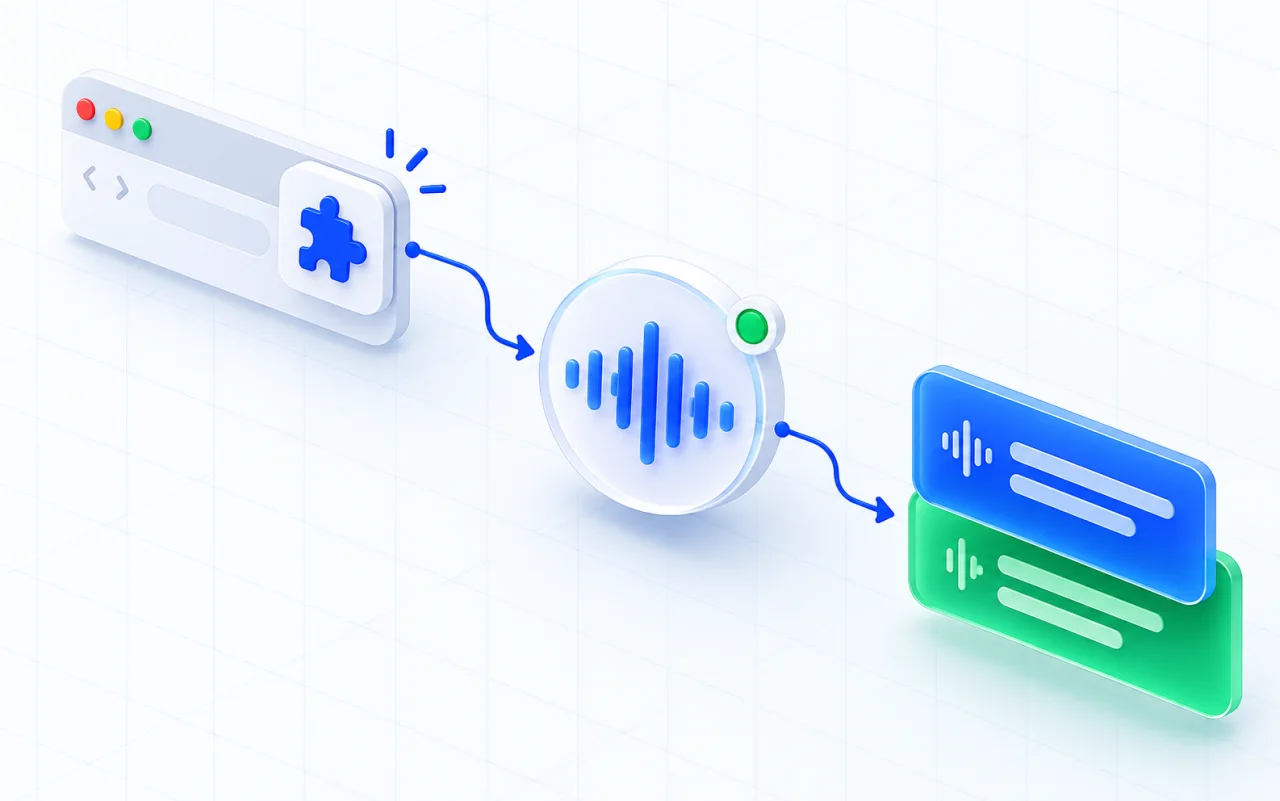
Join the call in Chrome
MeeLang is a Chrome extension for Google Meet in the browser. Install it before the meeting you want to follow.
Choose your reading language
Open MeeLang and select the language for translated captions. It detects the spoken language automatically.
Read along in your preferred view
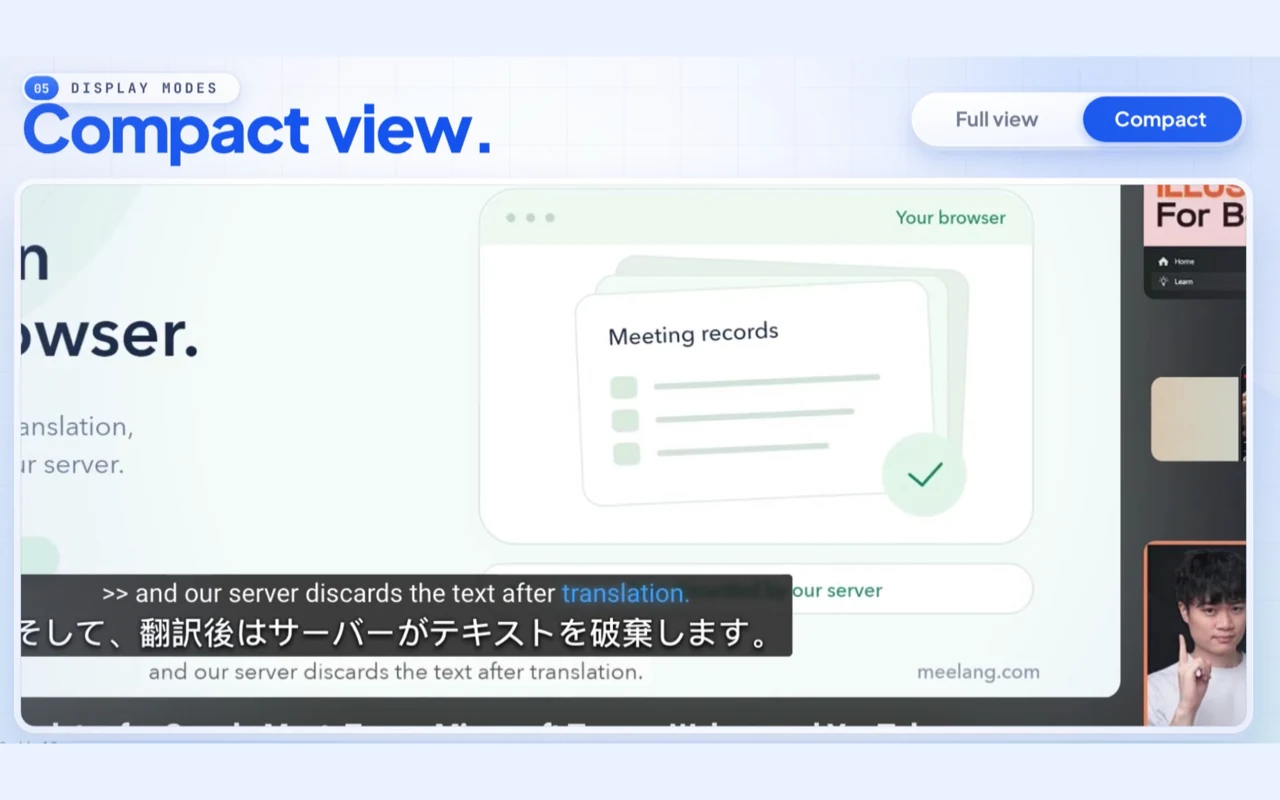
Use compact captions over the call or open the full subtitle window for more context and history.
TWO WAYS TO READ
Choose how captions appear
WHO IS SPEAKING?
Follow who is speaking
MeeLang uses speaker diarization to distinguish voices in meeting audio and label their contributions. When Google Meet captions are the source, participant names can also appear with the spoken line.
USE CASES
Small details make it easier to stay in the discussion
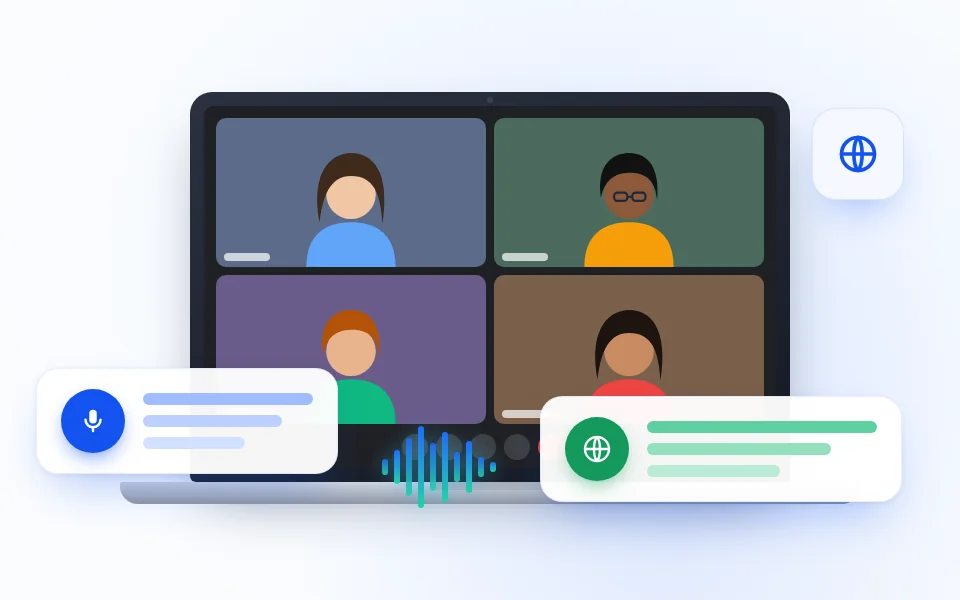
Follow a fast-moving team update
Read the current translated line while a teammate shares a launch change or project decision, then use the full window to check the previous turn.
TEAM UPDATES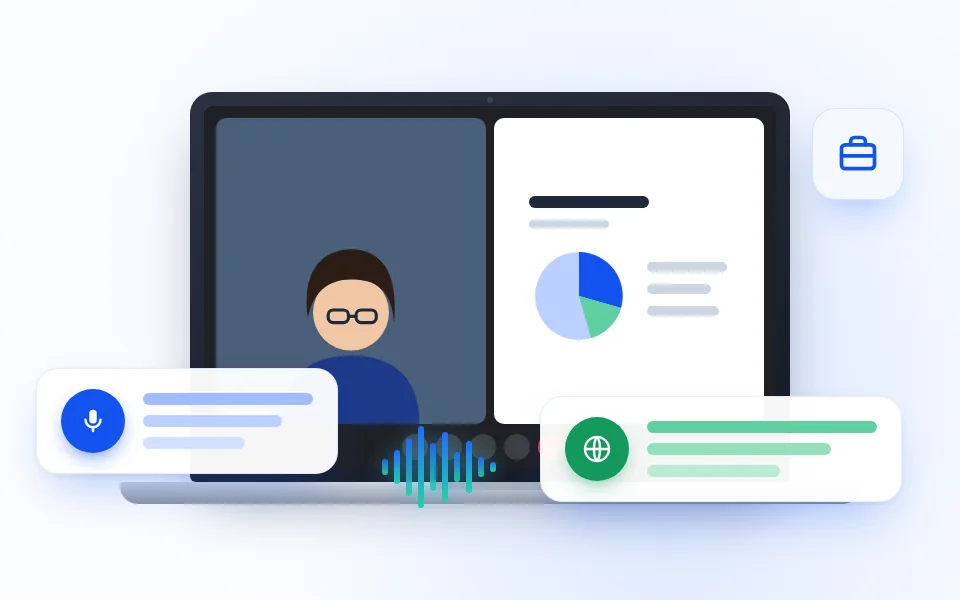
Catch the right moment to ask a client
Catch an unfamiliar phrase during a client call and ask a useful follow-up before the conversation moves to the next topic.
CLIENT CALLS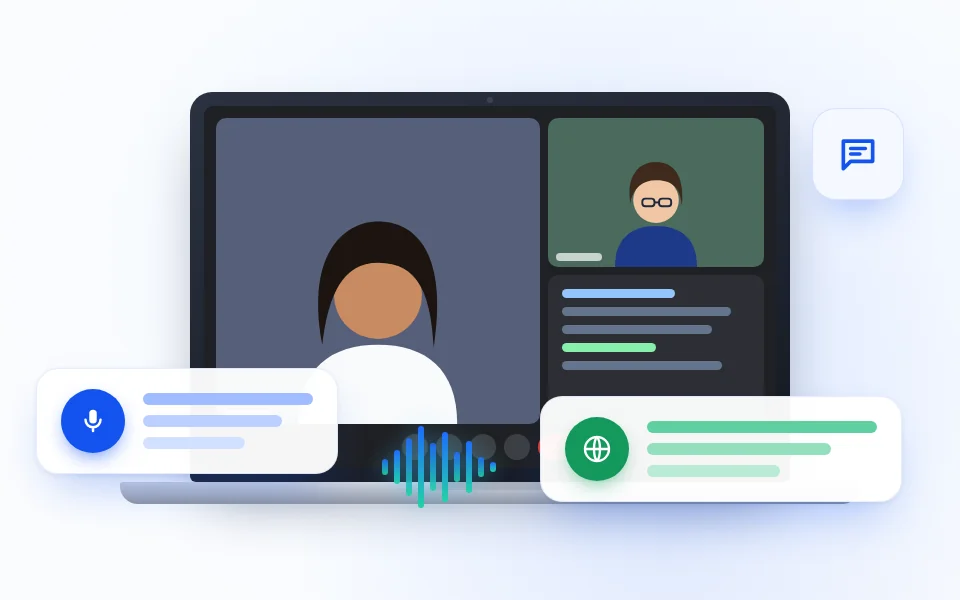
Prepare for an interview in another language
Keep the original answer and translation together when a technical term or short response could be read more than one way.
INTERVIEWS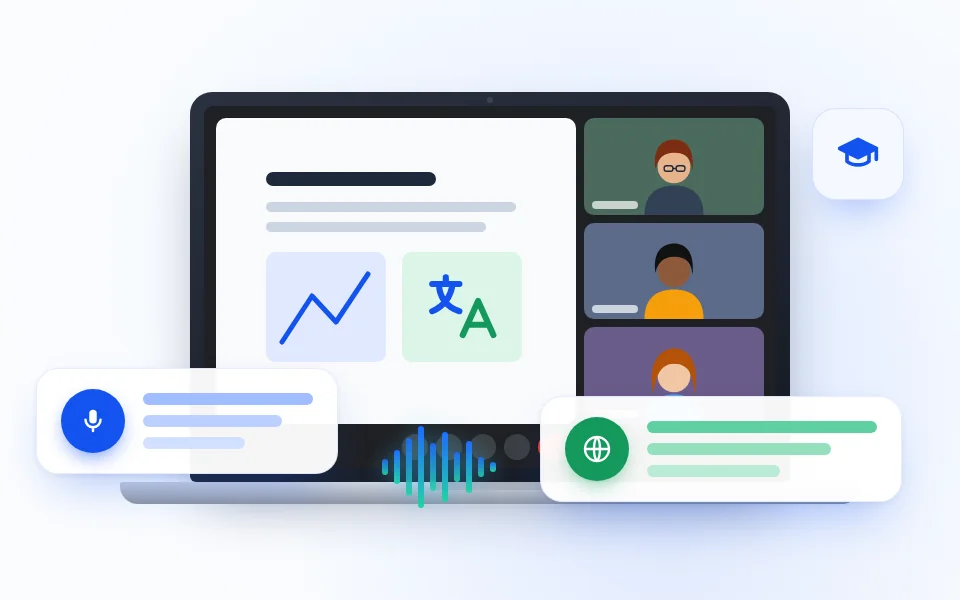
Follow a multilingual class or workshop
Read the instructor’s live translation while slides, examples, and learner questions move between languages in the same session.
TRAININGCOMPARE YOUR OPTIONS
Meet captions or translated live captions?
| Feature | Google Meet captions | MeeLang live captions |
|---|---|---|
| What appears | Recognized speech in the selected spoken language | Original speech paired with its translation |
| Who sees it | The participant who turns captions on | You in your Chrome browser |
| Meeting setup | Uses Google Meet caption controls | Runs as a Chrome extension; no host change or meeting bot |
Caption availability and language options in Google Meet can vary by account and settings. MeeLang is an additional personal subtitle view, not a Google Meet feature. See Google's live captions instructions.
IF CAPTIONS DO NOT APPEAR
A few checks before the call moves on
Confirm MeeLang is running in the Meet tab
The extension captures speech only while enabled in the live call. If you started it late, it cannot recreate lines spoken earlier.
Check the selected reading language
Choose the language you want to read in MeeLang. The spoken language is detected automatically; the target language comes from your setting.
Check your microphone state for your own speech
Meet audio mode pauses local microphone capture while you are muted. Incoming meeting audio can still continue to appear.
COMMON QUESTIONS
Google Meet Live Captions FAQ
Do I need to turn on captions in Google Meet?
No. MeeLang listens to the call audio directly, so its translated subtitles can work with Meet's captions on or off.
Can I translate Google Meet live captions into English?
Yes. Choose English or another supported target language in MeeLang. The original line remains beside the translation.
Can other participants see my MeeLang captions?
No. MeeLang displays the subtitle overlay in your own browser; it does not change the shared meeting view.
Does MeeLang capture the whole meeting automatically?
It captures speech while the extension is enabled. Start it when you join; it cannot recreate captions for speech that has already passed.
Can MeeLang distinguish speakers in Google Meet?
Yes. MeeLang uses speaker diarization to distinguish voices in meeting audio. When Meet captions are used as the source, participant names can also appear with the captured lines.
Follow your next Google Meet live
Join in Chrome, choose a reading language, and keep the conversation in view as it happens.
Add to Chrome