ZOOM LIVE CAPTIONS
Zoom Live Captions
Keep your attention on the call while MeeLang turns Zoom speech into live bilingual captions in Chrome. Read the original and its translation together as people speak.
Personal captions in Chrome · No bot joins the meeting
THE QUICK ANSWER
Live Zoom captions in a language you understand
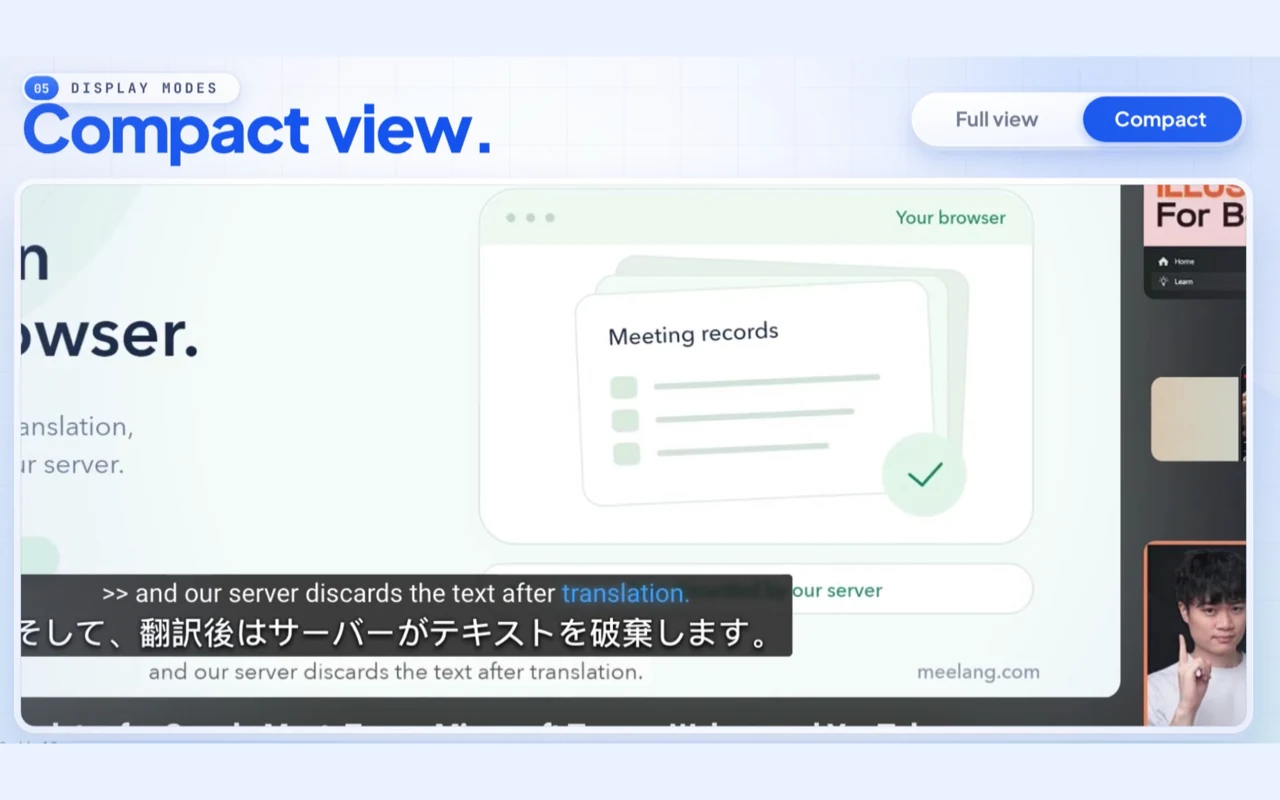
Zoom's built-in translated captions may depend on the host's plan and meeting settings. MeeLang gives you a personal alternative in the Zoom web client: captions are generated from the audio playing in your Chrome meeting tab and translated into the language you choose.
Use compact subtitles when you want to keep the meeting view clear, or open the full subtitle window to scroll through lines already captured in that session. MeeLang uses speaker diarization to distinguish voices in meeting audio. When you mute yourself in Zoom, MeeLang stops listening to your microphone. The extension works in the Zoom web client in Chrome.
HOW IT WORKS
How to turn on Zoom live captions
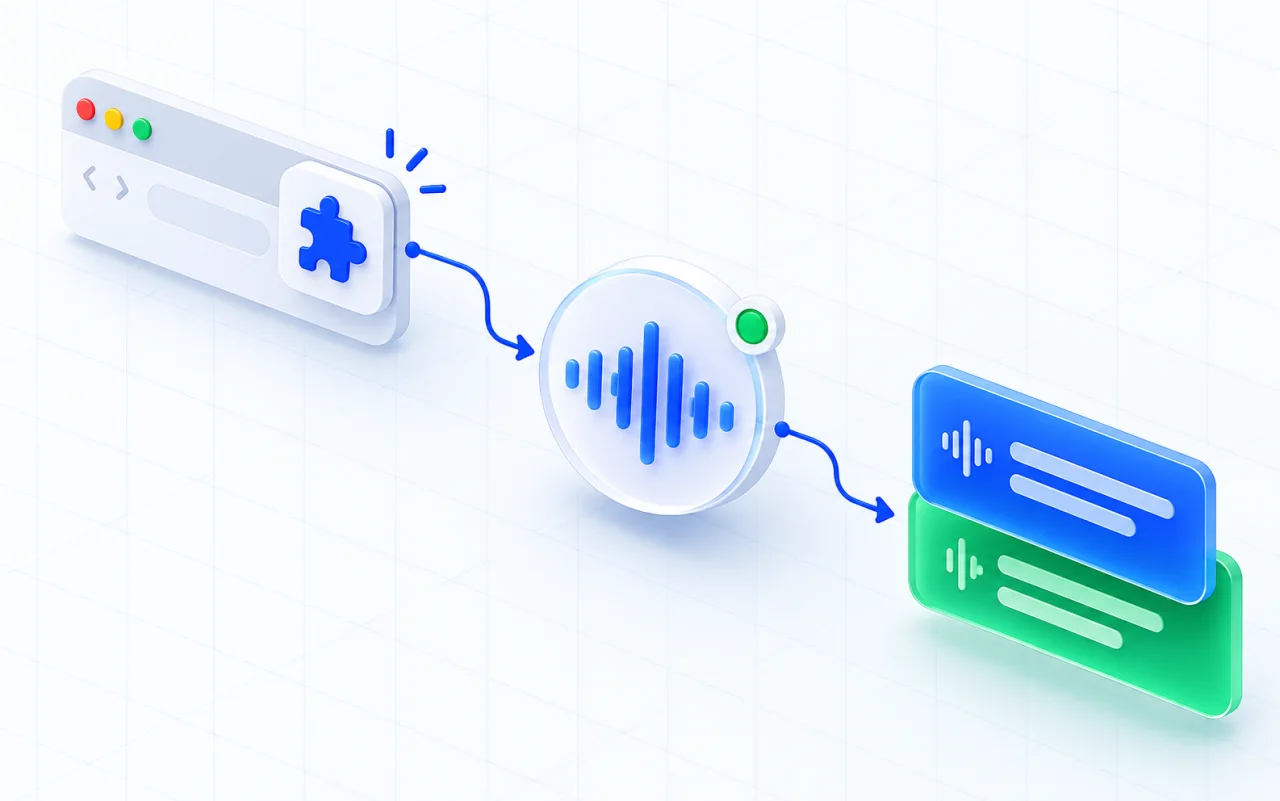
Join from your browser
Open the Zoom invitation in Chrome and choose Join from your browser.
Start MeeLang
Open the extension in the meeting and select the language you want the captions translated into.
Choose a caption layout
Read the current line in compact view or switch to the full window to scroll through the conversation.
SUBTITLES THAT FIT THE CALL
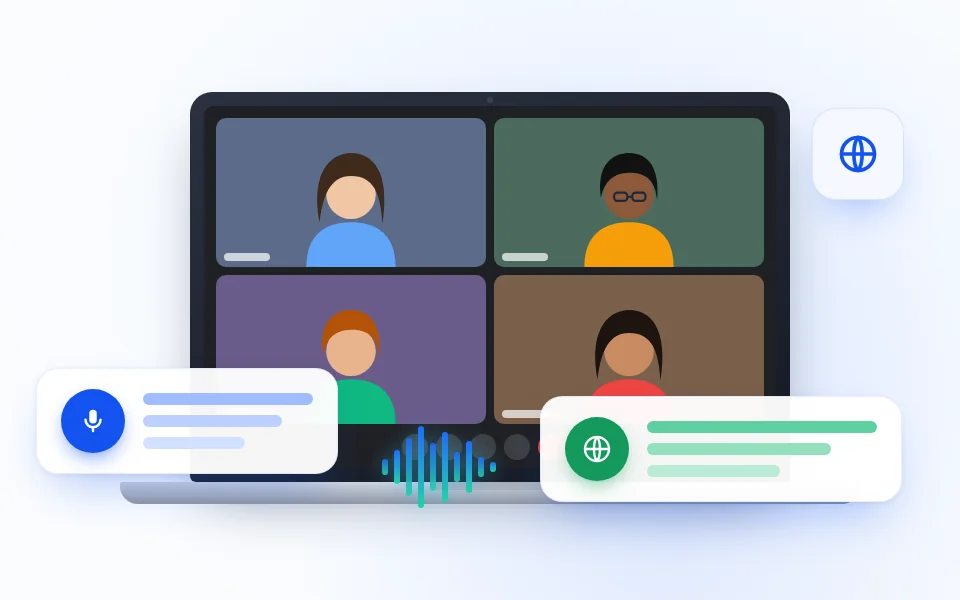
Keep the speakers visible or scroll back for context
USE CASES
Keep up while the Zoom conversation is happening
Live translated captions are useful when you need to react in the meeting rather than wait for a recap.
Fast team updates
Follow a stand-up or planning call when teammates share updates in a language you are still learning.
TEAM UPDATES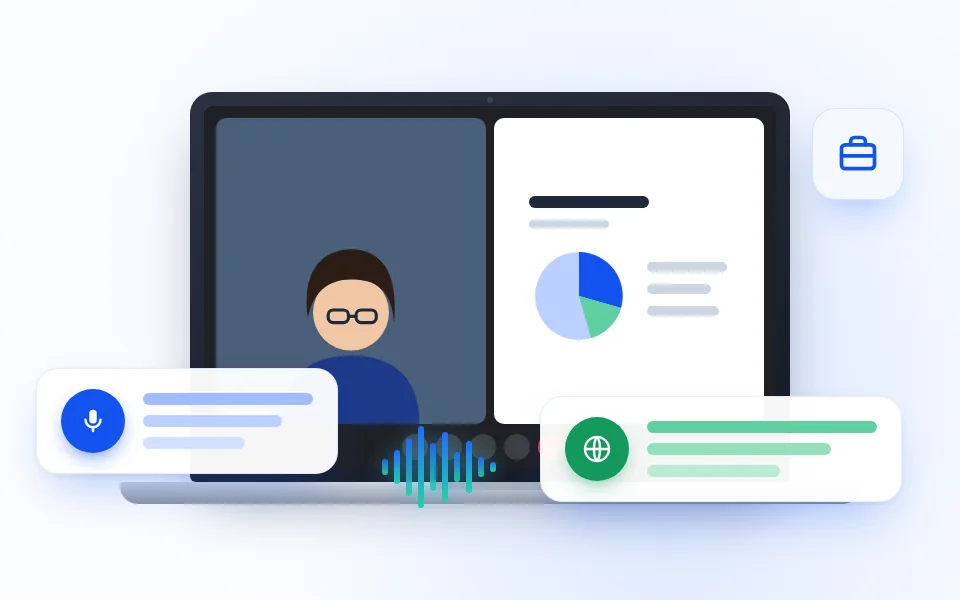
Client conversations
Read the discussion as it unfolds so you can ask for clarification before the group moves to the next topic.
CLIENT CALLS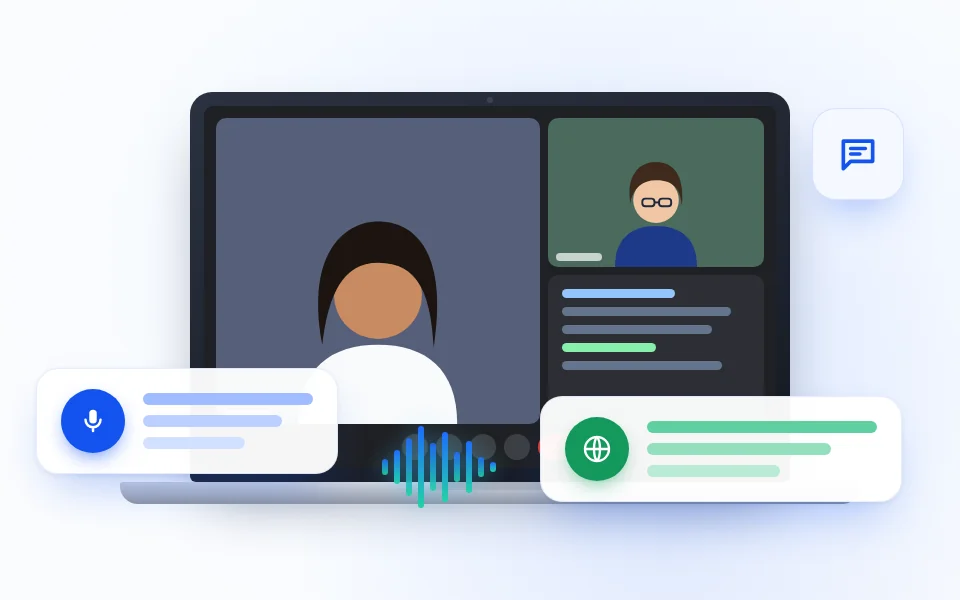
Interviews and research
Keep the original answer and live translation together when an exact phrase or short response could be read more than one way.
INTERVIEWS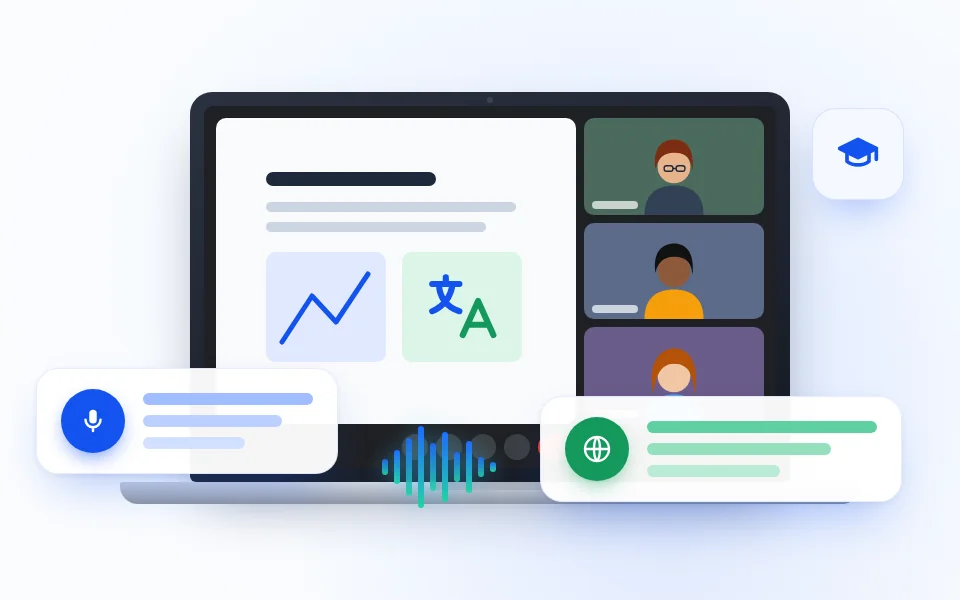
Training and demos
Keep a compact subtitle visible while watching a product walkthrough or internal training in the Zoom web client.
TRAININGPICK THE CAPTION ROUTE THAT FITS
Zoom's built-in captions or MeeLang?
Zoom's own caption controls and MeeLang solve related but different needs. Feature availability in Zoom can depend on the meeting account and host settings.
CHECK THESE FIRST
If Zoom live captions do not appear
COMMON QUESTIONS
Zoom Live Captions FAQ
Can Zoom show translated captions live?
Zoom offers built-in translated captions on eligible plans when the feature is enabled. MeeLang is another option that shows translated captions in your own Chrome browser.
Do other participants see MeeLang captions?
No. The subtitles are displayed in your browser. MeeLang does not join the Zoom meeting as a participant.
Can I see original speech and translation together?
Yes. MeeLang pairs the recognized source line with its translation in the subtitle view.
Which Zoom version works with MeeLang?
Use the Zoom web client in Chrome on desktop. The desktop and mobile applications are not supported.
Can MeeLang distinguish speakers in Zoom live captions?
Yes. MeeLang uses speaker diarization to distinguish voices in Zoom meeting audio and label their contributions.
Why are some Zoom captions missing or inaccurate?
MeeLang needs audible speech in the active Zoom web-client tab. Muted or interrupted audio, background noise, overlapping speakers, and unfamiliar names can affect transcription. It cannot add speech from before MeeLang was running.
Follow your next Zoom meeting in real time
Join the Zoom web client in Chrome and read the conversation in the language you choose.
Add to Chrome