LIVE CAPTIONS EXTENSION
Live Captions Extension for Chrome
Add live captions and real-time translation to the meetings and videos you already watch in Chrome. MeeLang keeps the original speech and your translation together, so you can follow the conversation without changing the host's setup.
Chrome extension · Desktop web · No meeting bot
THE QUICK ANSWER
What is a live captions extension?
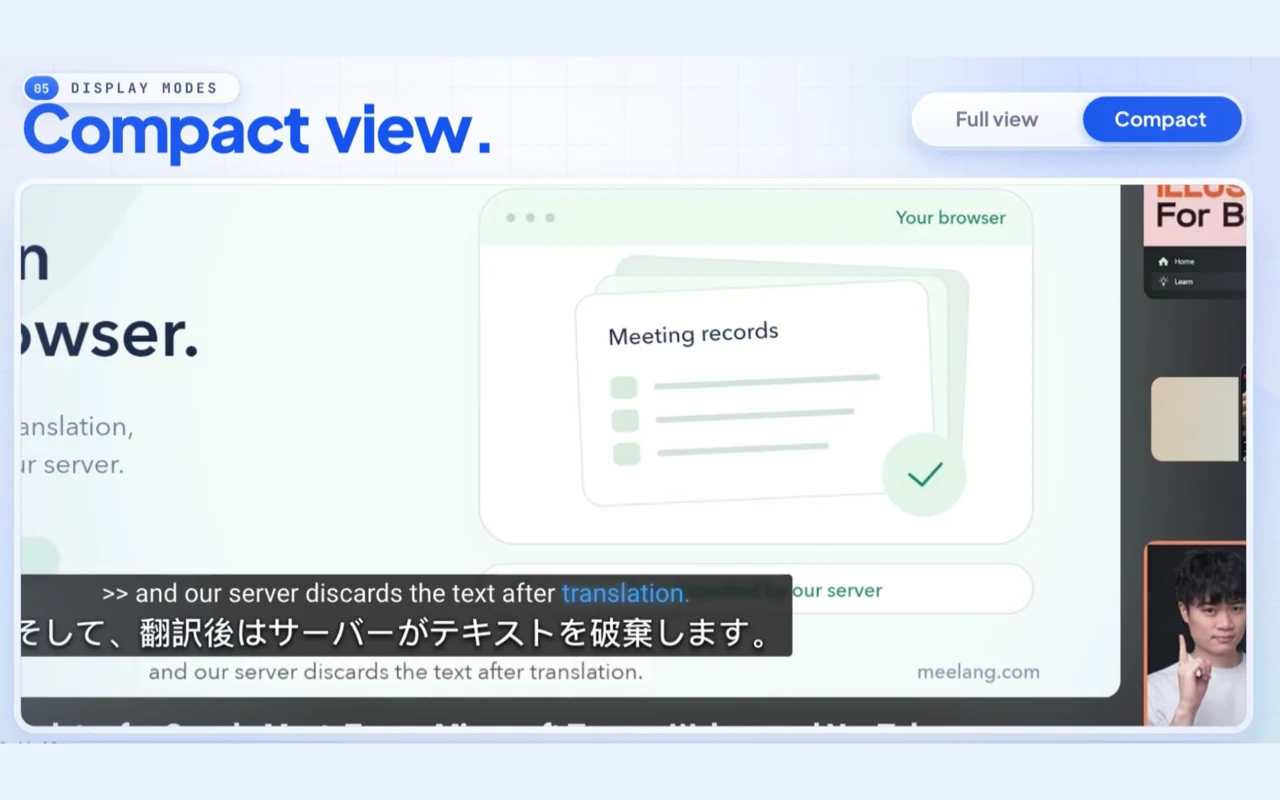
A live captions extension adds a caption layer to pages in your browser. Some extensions only transcribe the audio they hear; others also translate it. MeeLang is the second kind: it reads the meeting tab's audio, recognizes the speech, and displays the original line with a translation in the language you choose.
That is different from Chrome's built-in Live Caption and from the captions a meeting platform provides. Chrome Live Caption is an accessibility feature for media on your device, while platform captions belong to that platform's meeting or video player. MeeLang is an independent extension that works across several supported sites in desktop Chrome.
KNOW THE DIFFERENCE
Live captions extension vs Chrome Live Caption vs meeting captions
All three can put text on screen, but they are built for different jobs. Use this table to choose the layer that matches what you need.
| What it does | Chrome Live Caption | Meeting native captions | MeeLang extension |
|---|---|---|---|
| Where it works | Media playing in Chrome, depending on the platform | Inside one meeting or video platform | Google Meet, Zoom web, Teams web, Webex web, and YouTube |
| Translation | Not the same as a translated meeting caption | Varies by platform and plan | Yes, into 30+ languages |
| Original + translation | Shows the language it recognizes | Usually shows one caption language at a time | Shows both lines together |
| Meeting overlay | Not a meeting translation workflow | Yes, within that platform | Yes, as a subtitle overlay in Chrome |
| Setup | A Chrome or device accessibility setting | A platform setting, sometimes plan-dependent | Install the extension, join in Chrome, choose a language |
Chrome Live Caption and meeting captions are controlled by Google, the meeting platform, or the device vendor. Their availability and behavior can change. MeeLang is an independent Chrome extension. Check the current platform documentation before relying on a built-in caption feature.
SUPPORTED SITES
One extension, the places you already meet
MeeLang runs in desktop Chrome. Join the web version of a meeting or open a YouTube video, then choose the language you want to read.
Google Meet
Translate meeting speech with or without Google Meet captions enabled. The host does not need to change the meeting setup.
Zoom web
Use the Zoom web client and join from your browser. The Zoom desktop app is not supported.
Microsoft Teams web
Works in Teams on the web for work, school, and personal accounts. The Teams desktop app is not supported.
Webex web
Join through the Webex web app or from the browser. The Webex desktop app is not supported.
YouTube
Follow videos, live streams, premieres, and Shorts with bilingual subtitles in the YouTube player.
HOW TO USE IT
Install live captions in Chrome
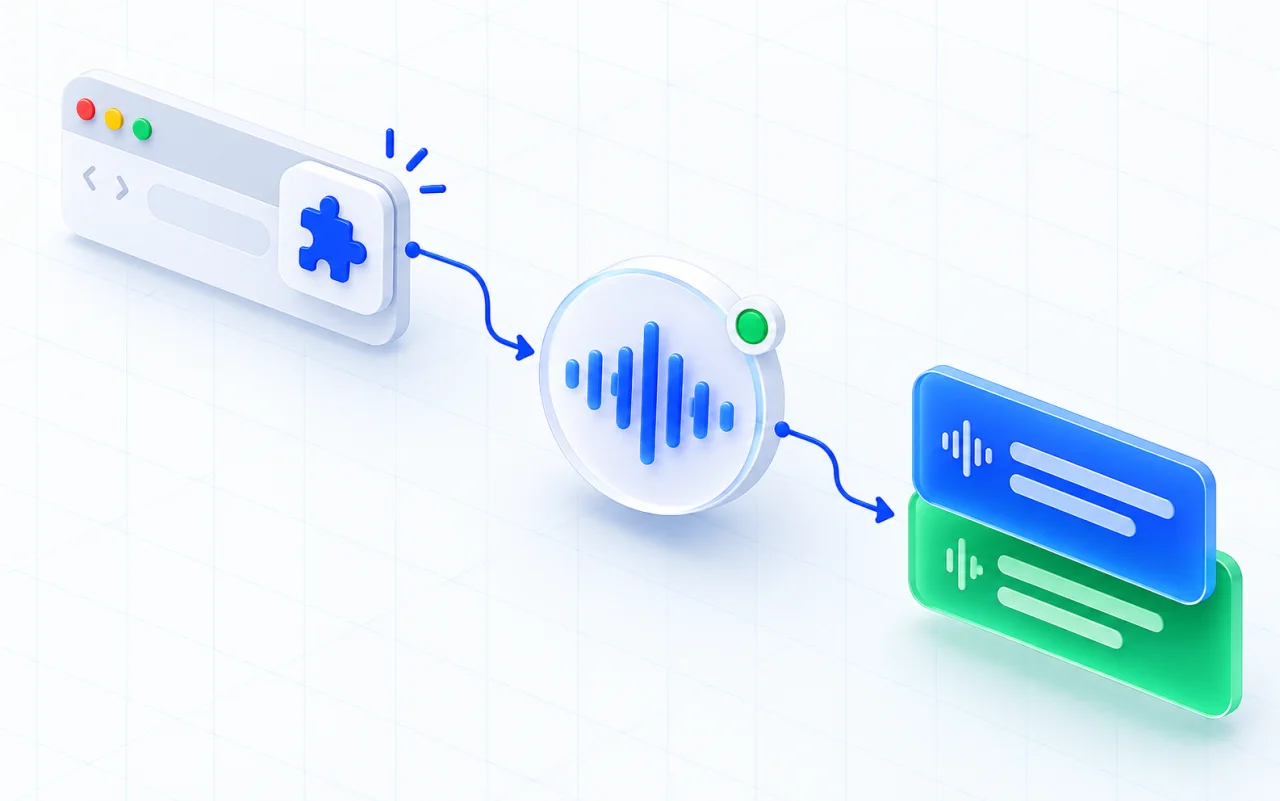
Add MeeLang from the Chrome Web Store
Install the extension in the Chrome profile you use for meetings. Chrome will ask for access to the pages where MeeLang runs.
Open a supported meeting or video
Join the meeting in its web client, or open a YouTube video in Chrome. MeeLang works on the page itself, not as a separate meeting app.
Choose your reading language
Start MeeLang, select the language you want to read, and keep the original speech beside the translation as people talk.
WHAT YOU SEE
A caption view that fits the meeting
A SPANISH MEETING, LINE BY LINE
What bilingual live captions look like
The example below shows the kind of short, practical exchange MeeLang is built for. The original speech stays visible so you can check names, numbers, and tone against the translation.
| What is said | What you read |
|---|---|
| Thanks for waiting. I've reviewed your account. | Gracias por esperar. Ya revisé su cuenta. |
| Could you confirm the order number for me? | ¿Podría confirmarme el número de pedido? |
| We'll send the tracking link by email today. | Le enviaremos el enlace de seguimiento por correo hoy. |
Illustrative example only. Live output depends on the audio, the speakers, and the language pair.
HOW IT BEHAVES
Built for a browser meeting, not a meeting bot
FAQ
Live captions extension questions
Is MeeLang a live translation app?
No. MeeLang is a Chrome extension, not a standalone desktop or mobile app. It runs in desktop Chrome on supported meeting and video pages. If you need a native app that works outside the browser, MeeLang is not that product.
Does Chrome already have live captions?
Chrome has a Live Caption accessibility feature for media, but it is not the same as a translated meeting caption. MeeLang is an independent extension that adds bilingual captions to supported meeting and video pages.
Is there a free live captions extension?
MeeLang has a free tier with a monthly translation allowance. The Pro plan adds more minutes and AI meeting summaries. Check the current plans on meelang.com for the latest limits.
Does it translate or only transcribe?
It translates. MeeLang recognizes the speech and shows the original line with a translation in the language you choose, rather than only transcribing the source language.
Does it work in Zoom, Teams, and Webex?
Yes, in the web versions of Zoom, Microsoft Teams, and Webex in desktop Chrome. Join from the browser; the native desktop apps are not supported.
Does it work on mobile?
No. MeeLang runs in desktop Chrome. The mobile meeting apps and mobile browsers are not supported.
Add live captions to your next Chrome meeting
Install MeeLang, open a supported meeting or video, and read the original speech with its translation beside it.
Add to Chrome