BLOG · GUIDE
How to Translate Zoom Meetings in Real Time (Any Plan)
There are two ways to translate a Zoom meeting in real time: Zoom's own translated captions, which come with eligible paid plans and have to be turned on by an account admin or the host, or a Chrome extension such as MeeLang, which shows live translated subtitles in the Zoom web client on any plan. This guide explains when each one is the right choice and how to set them up.
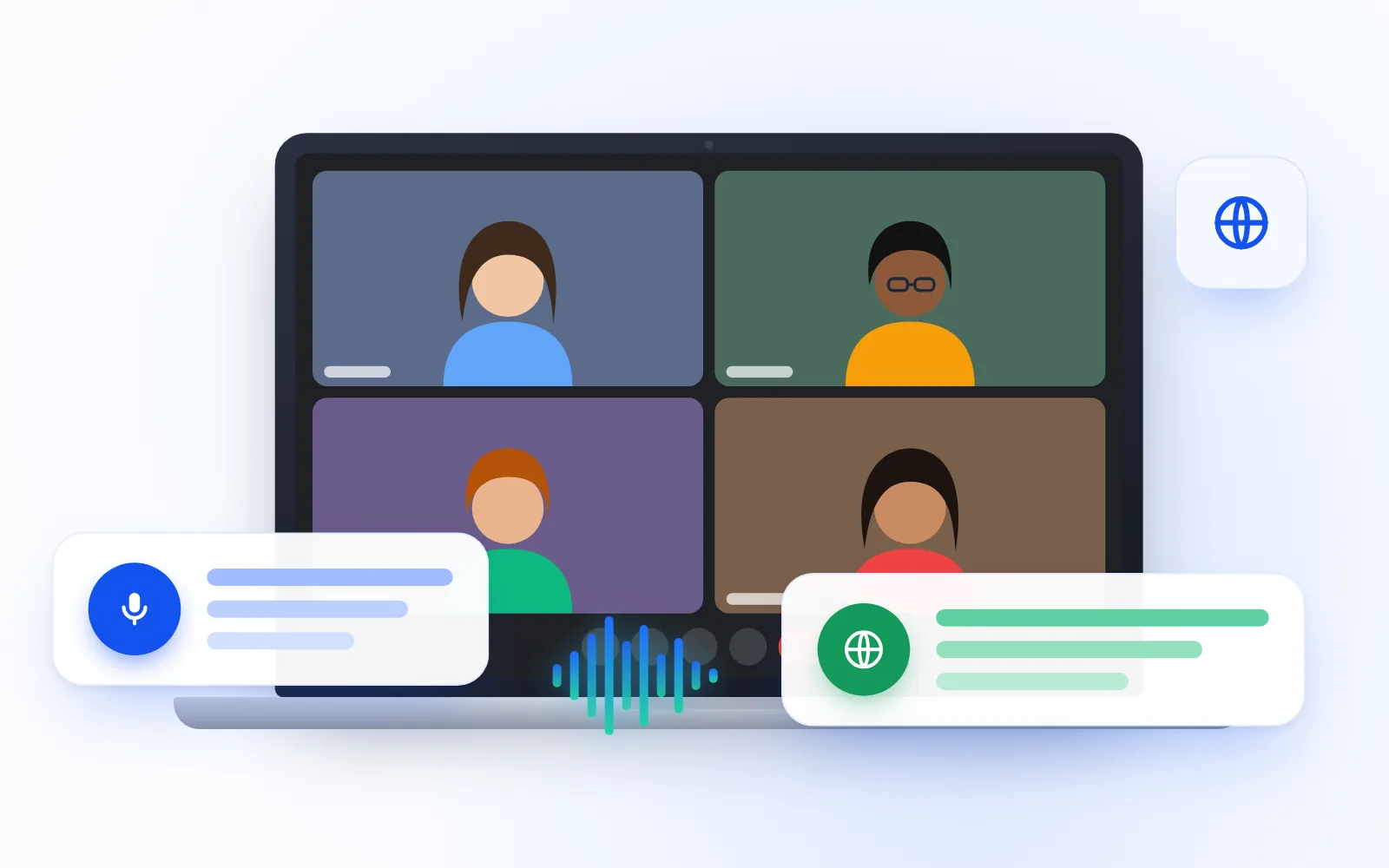
If you need to understand a Zoom meeting held in a language you don't speak well, you have two options. Zoom offers built-in translated captions on eligible paid plans, but an account admin or the host has to enable them. If that feature isn't available to you, a Chrome extension like MeeLang translates the meeting on your side when you join from the Zoom web client, whatever plan you or the host are on.
Does Zoom have live translation?
Yes. Zoom has a feature called translated captions, which shows what people say as captions in another language. It comes with eligible paid Zoom plans, and an account admin or the meeting host has to turn it on. The languages you can choose from depend on the account.
Zoom changes plan names, add-ons, and settings from time to time, so check Zoom's own help pages or ask your Zoom admin for the current details of your account.
When Zoom's translated captions are the right choice
Use the built-in option if:
- Your company already pays for a Zoom plan that includes translated captions
- Your admin has enabled them, and the language pair you need is available
- You host most of the meetings yourself and can switch the feature on
- You prefer the Zoom desktop app (MeeLang only works in the web client)
If all of that is true, you probably don't need anything else. The built-in feature is part of Zoom, so there is nothing extra to install.
Why are Zoom translated captions not available?
The most common reason people search for "Zoom translated captions not available" is that the feature is tied to someone else's plan or settings. Here's how to work out what's going on:
| What you see | Likely reason | What you can do |
|---|---|---|
| No translated captions option at all | Your plan isn't eligible, or the feature hasn't been enabled | Ask your Zoom admin, or translate on your own side with a browser extension |
| The option exists but your language isn't listed | Available languages depend on the account | Ask the admin which languages are set up, or use a tool that supports your language |
| It works in your own meetings but not in a client's | In someone else's meeting, it's up to that host and their account | Ask the host, or translate on your side so the host doesn't have to change anything |
| You're on a free Zoom account | Translated captions come with eligible paid plans | Use a browser-based translator that doesn't depend on the plan |
Waiting on someone else can be slow, especially in a meeting hosted by another company. That's the gap a browser extension fills.
How to translate a Zoom meeting on any plan
MeeLang is a Chrome extension that listens to the meeting audio in your browser tab, detects the spoken language automatically, and shows live translated subtitles over the call. It works in the Zoom web client at app.zoom.us. No bot joins the meeting, other participants don't install anything, and no host or admin setting is needed.
Follow these steps in Google Chrome on a desktop computer:
- Install MeeLang. Add it from the Chrome Web Store. You can start translating without signing in.
- Open the Zoom invite link in Chrome. If the page tries to open the Zoom desktop app, dismiss that prompt.
- Choose "Join from your browser". The meeting opens in the Zoom web client (app.zoom.us), where MeeLang can hear it.
- Pick the language you want to read. You don't have to tell MeeLang which language people are speaking. It detects that automatically.
- Choose how to show subtitles. Pick full subtitles or compact subtitles (explained below). You can switch at any time with one click.
MeeLang does not work in the Zoom desktop app or the Zoom mobile apps. It only runs in desktop Chrome, so you need to join from your browser. If you don't see the "Join from your browser" link, the meeting's account may have it turned off.
For more detail, see the MeeLang setup guide or the MeeLang Zoom translator page.
What you see during the call
MeeLang gives you two ways to read the meeting, and you can switch between them with one click while the call is running.
Full subtitles
A floating window shows the whole conversation. Each line is labeled by speaker, with the original above the translation. You can scroll back to earlier lines if you missed something, and drag the edge of the window to resize it. This works well for long discussions, client calls, and interviews where you need to check exactly what was said.
Compact subtitles
Only the current line appears over the meeting, like captions, with the original and the translation together. You can drag it up or down and style the text and background the way you like. This works well when you mainly want to watch the speakers or the shared screen.
Does it translate what I say, too?
Yes. MeeLang translates your own speech as well as what other participants say, so both sides of the conversation appear in the subtitles and in the transcript. That makes it easy to check how your words read in the other language.
When you mute yourself in Zoom, MeeLang stops listening to your microphone, so side conversations in your room stay out of the transcript.
Keep a bilingual transcript of the meeting
Everything MeeLang translates is saved as a bilingual transcript, with the original and the translation together and each line labeled by speaker. A few details matter here:
- The transcript is saved in your browser, not on MeeLang's servers.
- You can search it, filter it by speaker, export it, or delete it.
- Speech still has to be sent to the translation service to be translated, so treat it like any other online translation tool.
- With the Pro plan, MeeLang can turn the transcript into an AI summary of what was discussed and decided, written in your language.
Zoom translated captions vs MeeLang
Both options translate a Zoom meeting while it's happening. The real difference is who can use them, who has to turn them on, and where they work.
| Zoom translated captions | MeeLang | |
|---|---|---|
| Who can use it | Eligible paid Zoom plans | Anyone joining from the Zoom web client in Chrome, on any plan |
| Who turns it on | An account admin or the host | You, in your own browser |
| Languages | Depend on the account | Translates into 30+ languages; spoken language detected automatically |
| Where it works | Part of Zoom itself | Zoom web client (app.zoom.us) in desktop Chrome; not the desktop or mobile apps |
| Subtitle display | Zoom's own caption area | Full subtitle window or compact subtitles over the meeting |
| Your own speech | Check Zoom's current documentation | Translated; skipped while you're muted in Zoom |
| Extra install | None; part of Zoom | The extension, for you only; no bot joins and others install nothing |
| Cost | Included with eligible plans or add-ons | Free monthly minutes when you sign in with Google; Pro adds more minutes and AI summaries |
If your organization already has Zoom's translated captions switched on, start there. If it doesn't, or you're joining meetings hosted by other companies, the Zoom translator from MeeLang covers you without anyone changing their settings.
Is Zoom translation free?
Zoom's translated captions are a paid-plan feature, so they're not free in the sense of working on any account. MeeLang is free to start: you can begin translating without signing in, and signing in with Google gives you free translation minutes every month, with no payment details required. If you translate a lot of meetings, the Pro plan adds more minutes and AI meeting summaries.
MeeLang works the same way on other platforms too. If your team also uses Microsoft Teams or Webex, see our guides to Teams live translation without Teams Premium and translating Webex meetings in real time. For Google Meet, read how to translate Google Meet calls in real time.
Frequently Asked Questions
Does Zoom have live translation?
Zoom offers translated captions on eligible paid plans, and an account admin or the host has to enable them. Available languages depend on the account. If you can't use that feature, a Chrome extension such as MeeLang shows live translated subtitles in the Zoom web client on any plan.
Why can't I see translated captions in my Zoom meeting?
Usually because your plan isn't eligible, the feature hasn't been turned on by an admin or the host, or you're in a meeting hosted by another account. You can ask the admin or host to enable it, or translate on your own side with a browser extension.
Can I translate a Zoom meeting for free?
Yes, with MeeLang. You can start without signing in, and signing in with Google gives you free translation minutes every month without payment details. You need to join the meeting from your browser in desktop Chrome.
Does MeeLang work with the Zoom desktop app?
No. MeeLang runs inside Chrome, so it works with the Zoom web client at app.zoom.us. Open the invite link in Chrome and choose "Join from your browser" instead of the desktop app.
Will the host or other participants know I'm using a translator?
MeeLang never joins the meeting as a participant, so there's no translation bot in the participant list. Other participants don't install anything and don't see your subtitles.
Which languages can I translate Zoom meetings into?
MeeLang translates into 30+ languages, including English, Spanish, French, German, Portuguese, Japanese, Korean, Chinese (Simplified and Traditional), Arabic, and Hindi. The spoken language is detected automatically.
Final Thoughts
If your Zoom plan includes translated captions and your admin has turned them on, use them. They're built in and need nothing extra. When they're missing, limited to the wrong languages, or controlled by another company's host, translating on your own side is the practical fix: join from your browser, turn on the MeeLang Zoom translator, and read the meeting in your language.
Translate your next Zoom meeting in real time
MeeLang shows live bilingual subtitles in the Zoom web client, with no meeting bot, no host setting, and no plan upgrade.
Add to Chrome